www.haegi.org

www.haegi.org

WordClock

The WordClock tells the time in simple words

  • 9. November 2025

    |

    Projects » WordClock

    CircuitPython WordClock (v2)

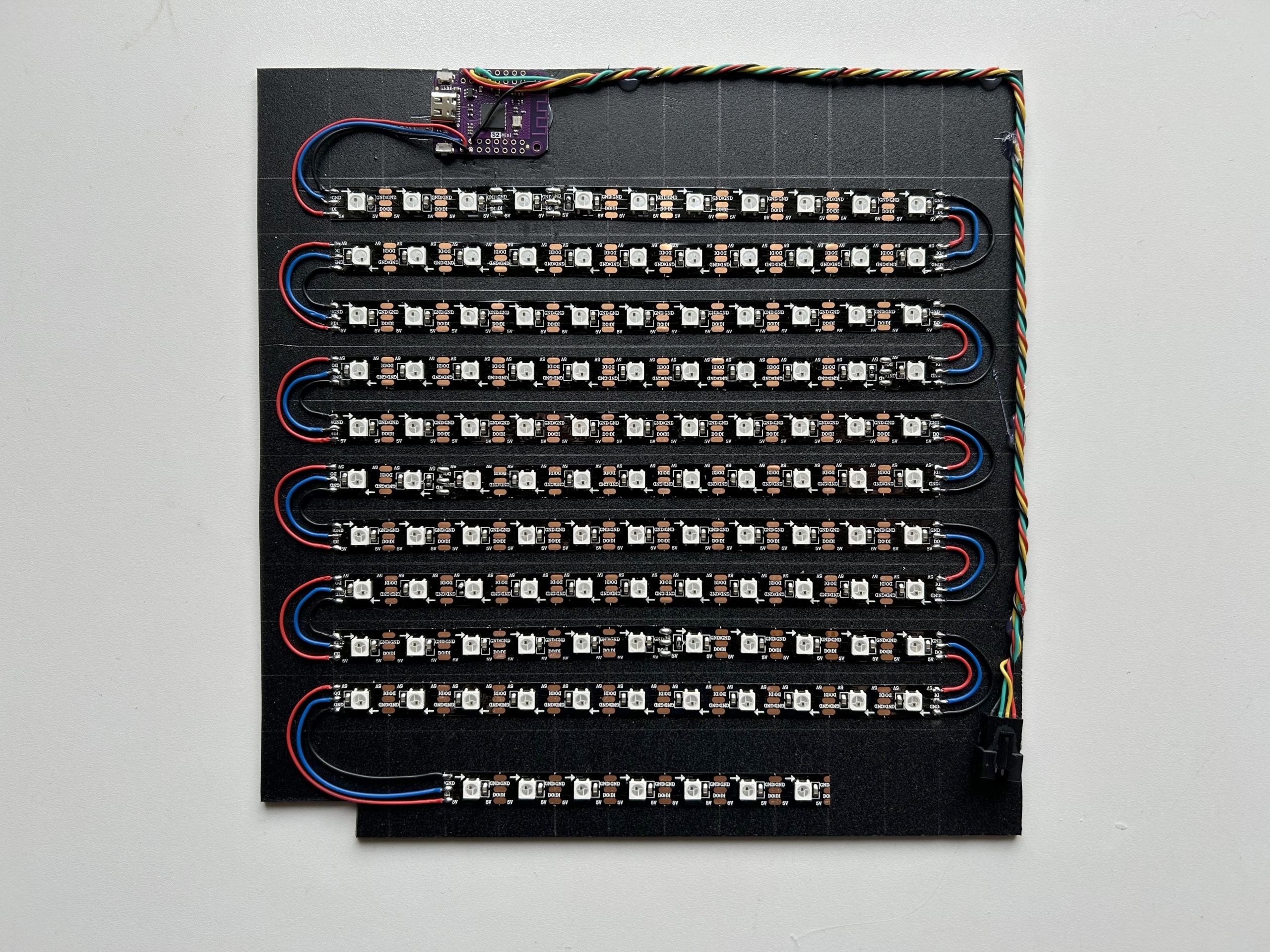
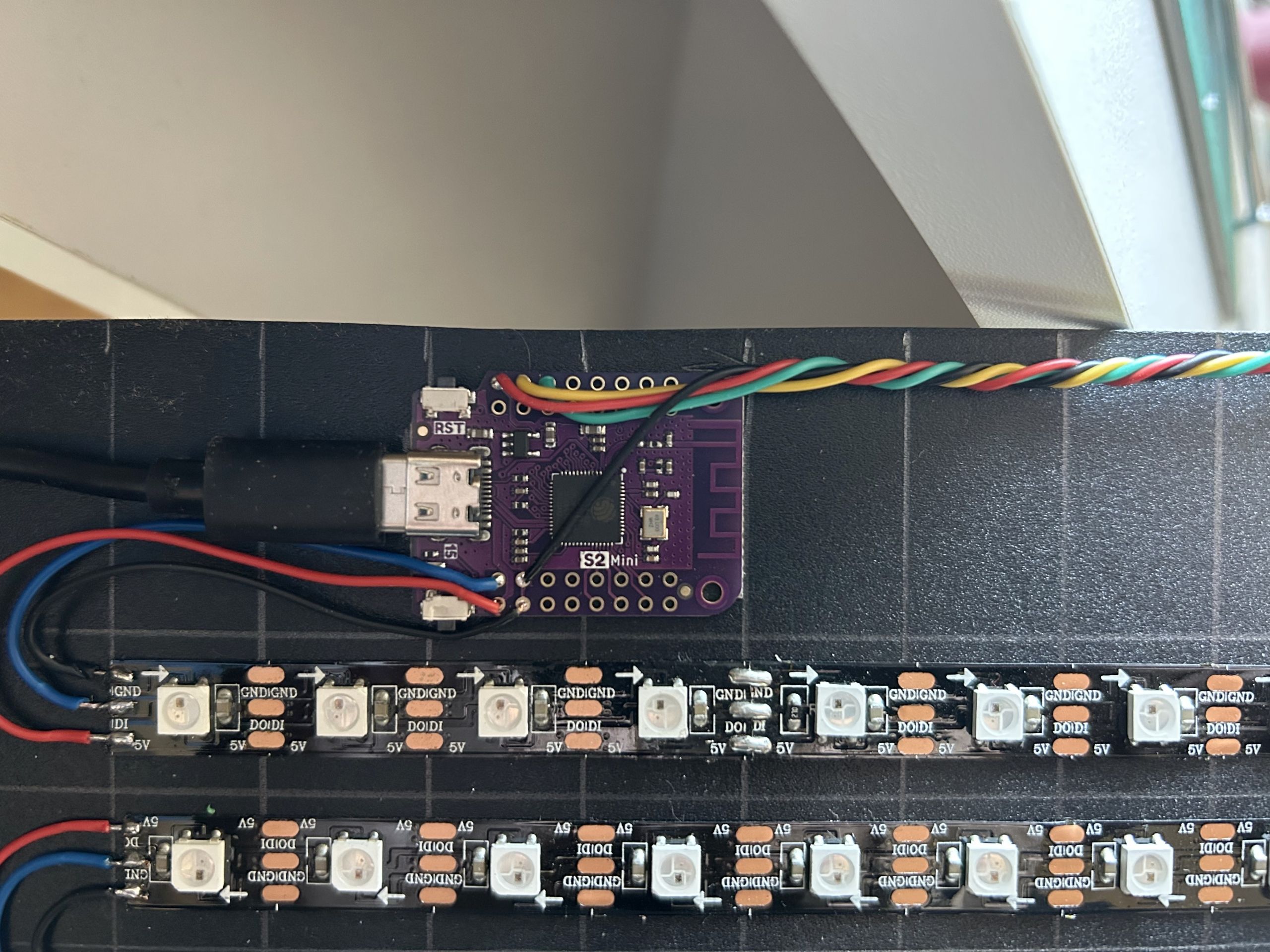
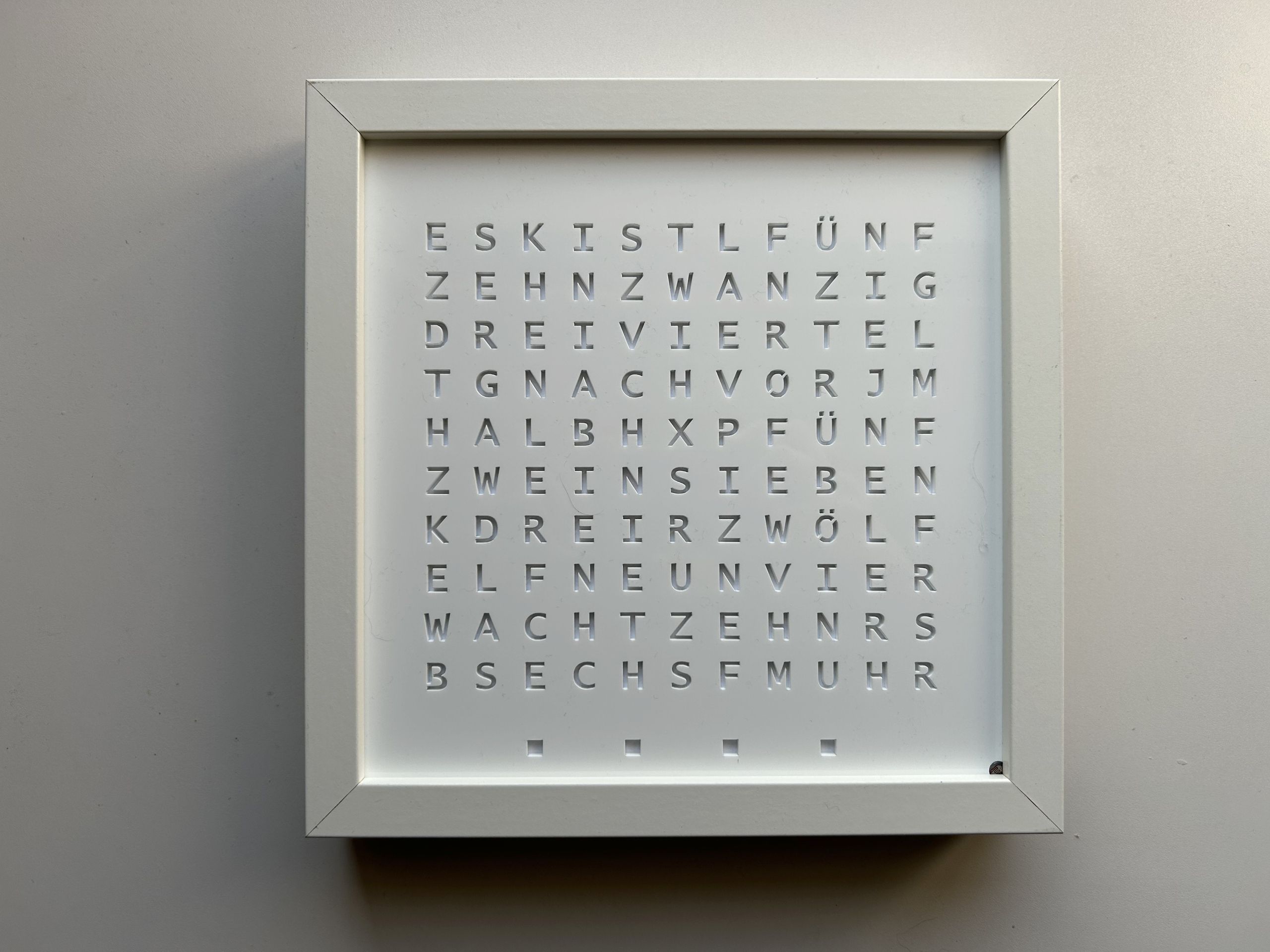
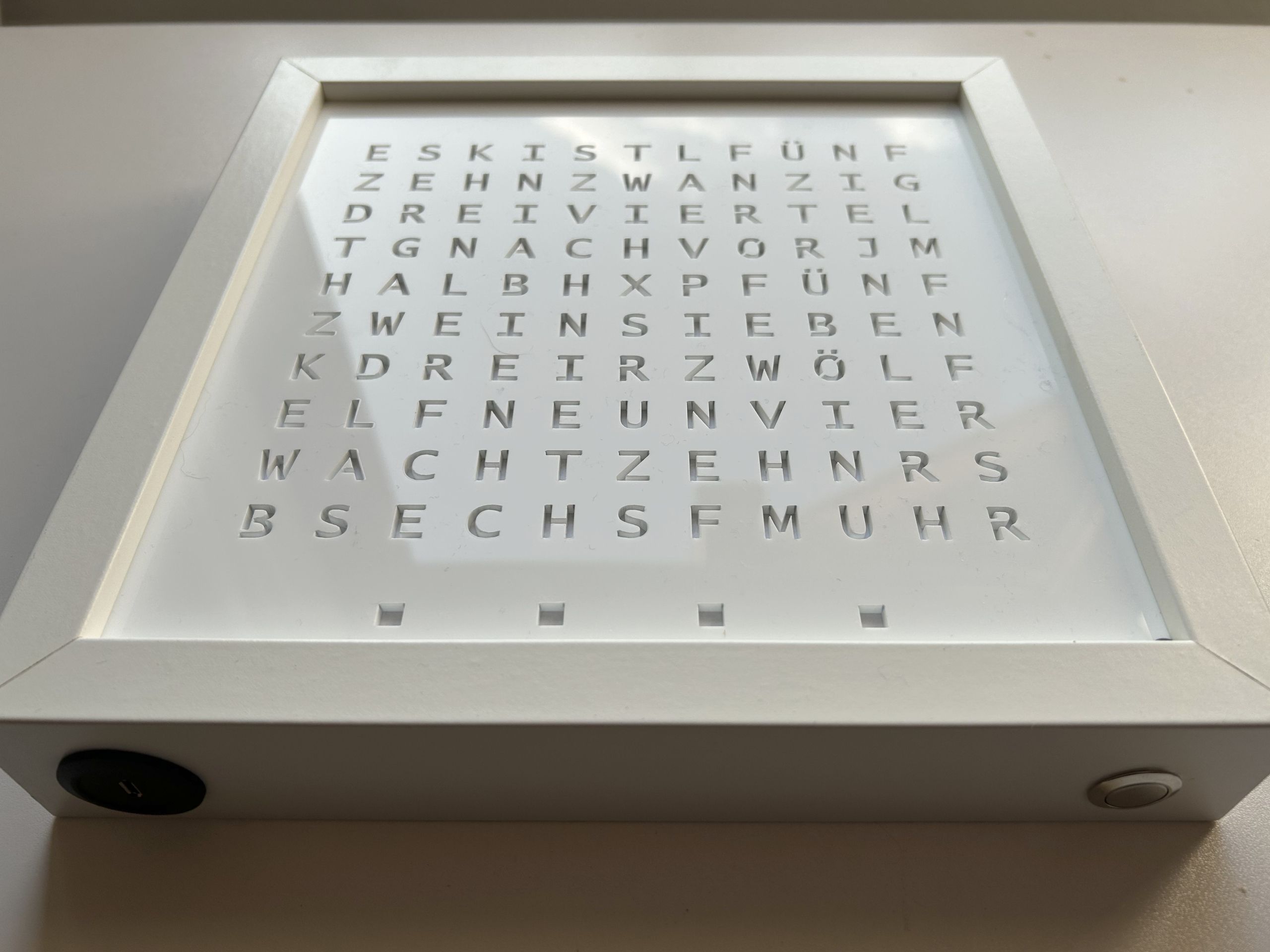
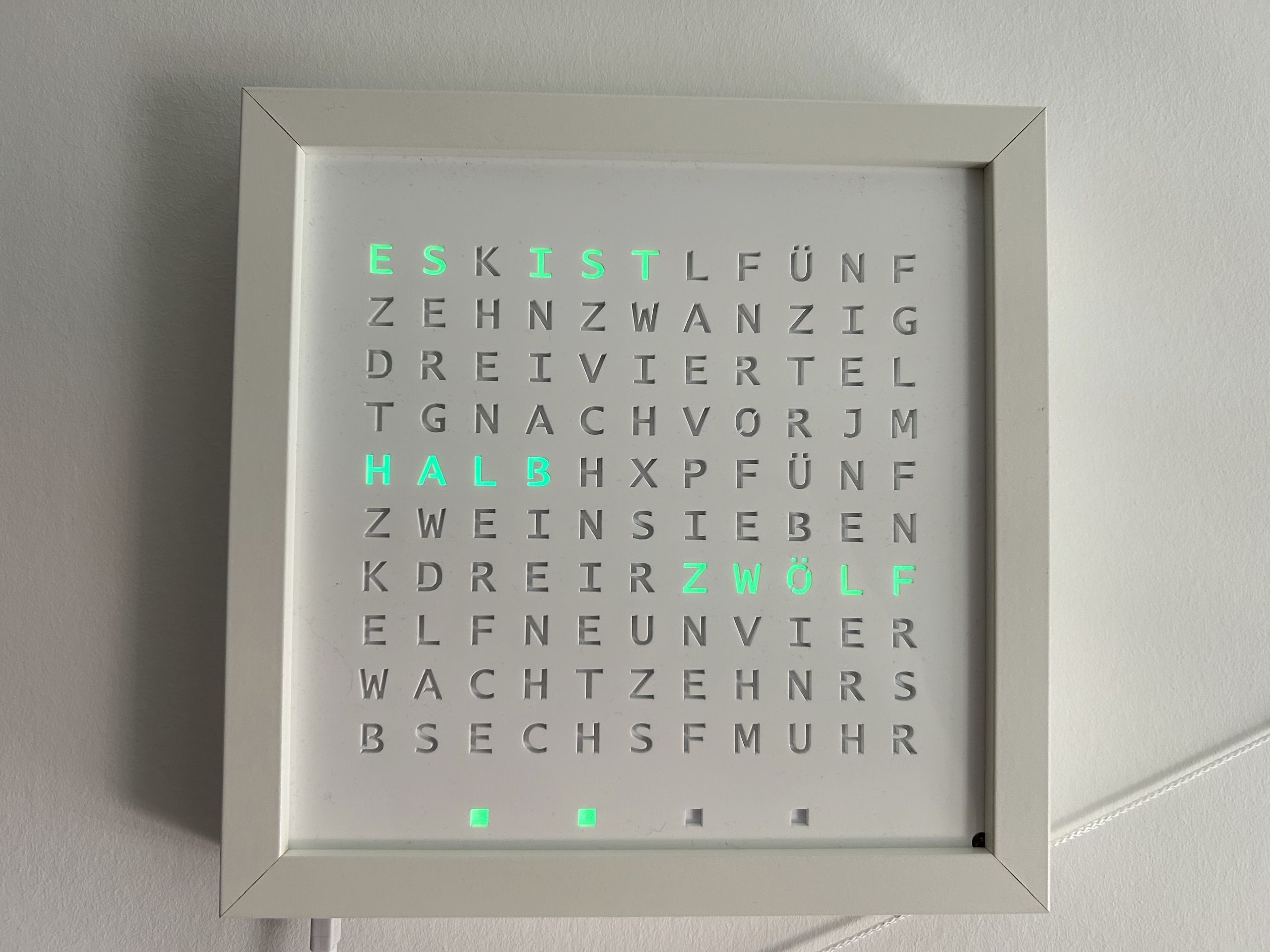
    The latest revision of the WordClock uses a ESP32-S2 (Lolin S2 Mini) and a full LED matrix to display scrolling text.

    The software uses CircuitPython with a local web server running on the WordClock to control the color and time.

    The code and the laser cutting templates can be found on github.

    Connect to Wi-Fi

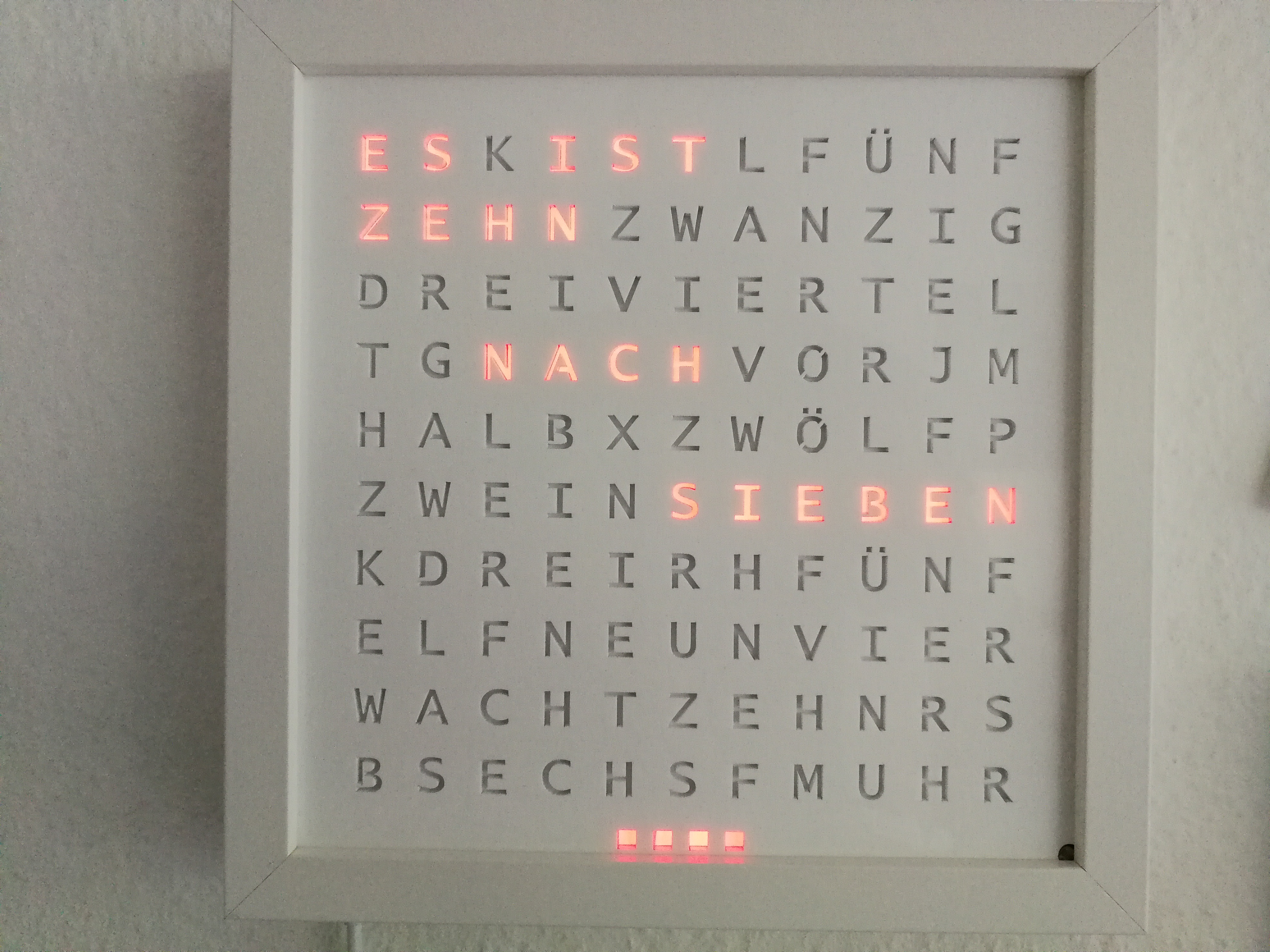
    After plugging in, the four lower minute indicators light up red while the wordclock connects to the stored Wi-Fi network.

    If no Wi-Fi network hasn’t be set up yet or if an already set up Wi-Fi network is not available, a Wi-Fi hotspot (e.g. WordClock_085699f434a1) is created after a short time and the IP address of the wordclock (192.168.251.1) is displayed in red in a continuous loop.

    To set up the Wi-Fi network, a smartphone or computer must be connected to the Wi-Fi hotspot. Then, enter the IP address displayed (http://192.168.251.1) or http://wordclock.local in your browser, where the Wi-Fi network and password can be entered:
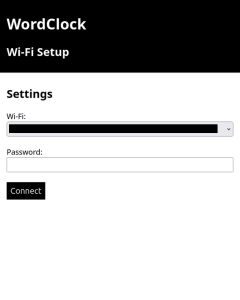
    After pressing ‘Connect’, the clock will restart and attempt to connect to the Wi-Fi network.

    Control WordClock settings

    Once the connection has been established, the assigned IP address of the wordclock is displayed twice as scrolling text. Afterwards the current time is shown.

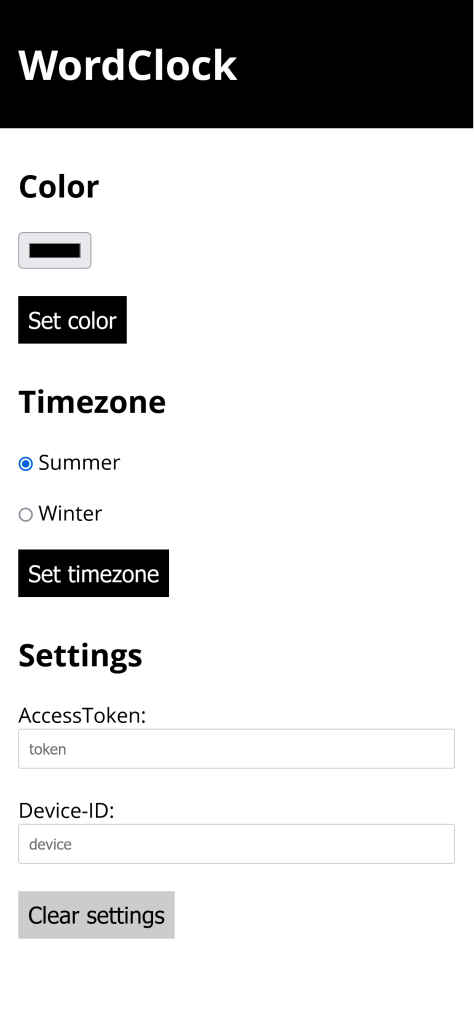
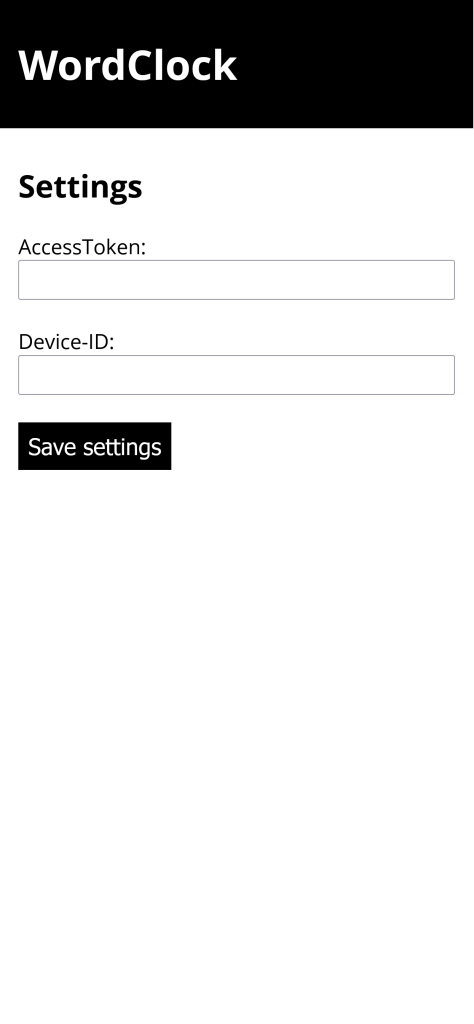
    To configure various settings the IP address displayed at start-up (http://) or http://wordclock.local can be accessed via a smartphone or computer:

    The following adjustments are possible:

    • current colour
    • the automatic brightness or the manually brightness value
    • time zone
    • whether the day-time-saving should be applied automatically
  • 4. February 2024

    |

    Projects » WordClock

    Particle WordClock Controller Web App

    To adjust the color and timezone of the wordclock I created a small web application.

    You can find the source code on github.

  • 20. June 2017

    |

    Projects » WordClock

    White Wordclock

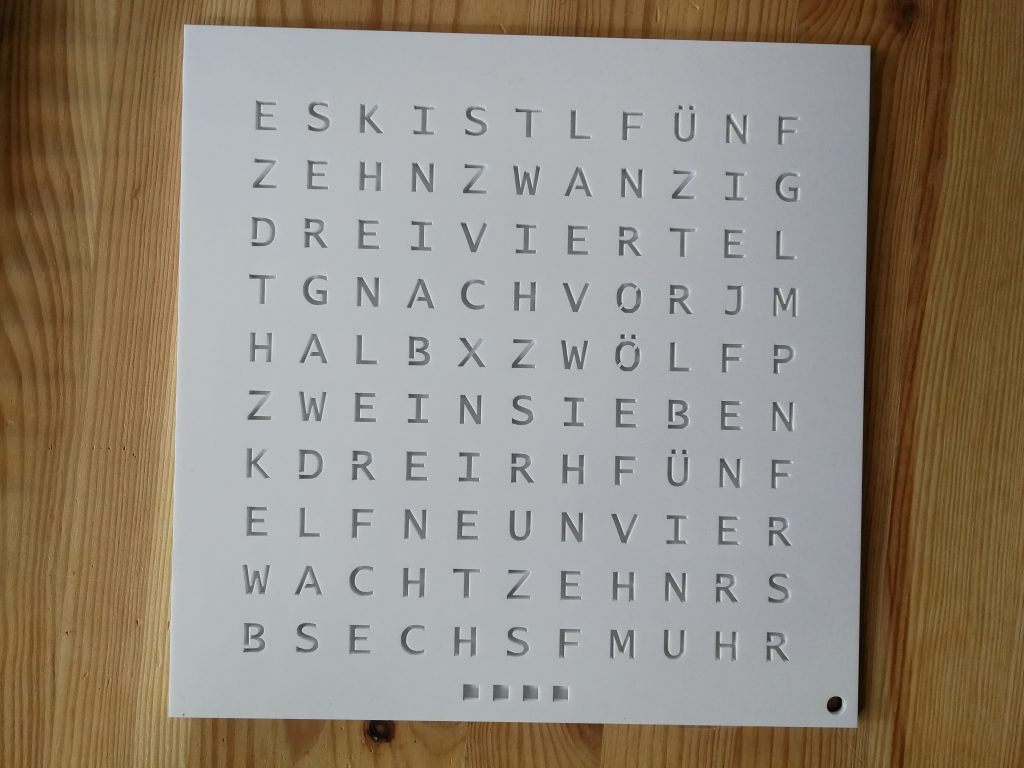
    In the meantime some of my family members saw my wordclock and liked it so I build some more. I faced some problems while building a white wordclock because the white acrylic is not as opaque as black acrylic. To fix this I made a polypropylen plate with the same letters like the frontplate cutted sitting between the frontplate and the diffuse paper:

  • 13. November 2015

    |

    Projects » WordClock

    Photon WordClock

    Recently I received the Particle Photon and developed a WordClock with the help of a WS2812B LED Strip.

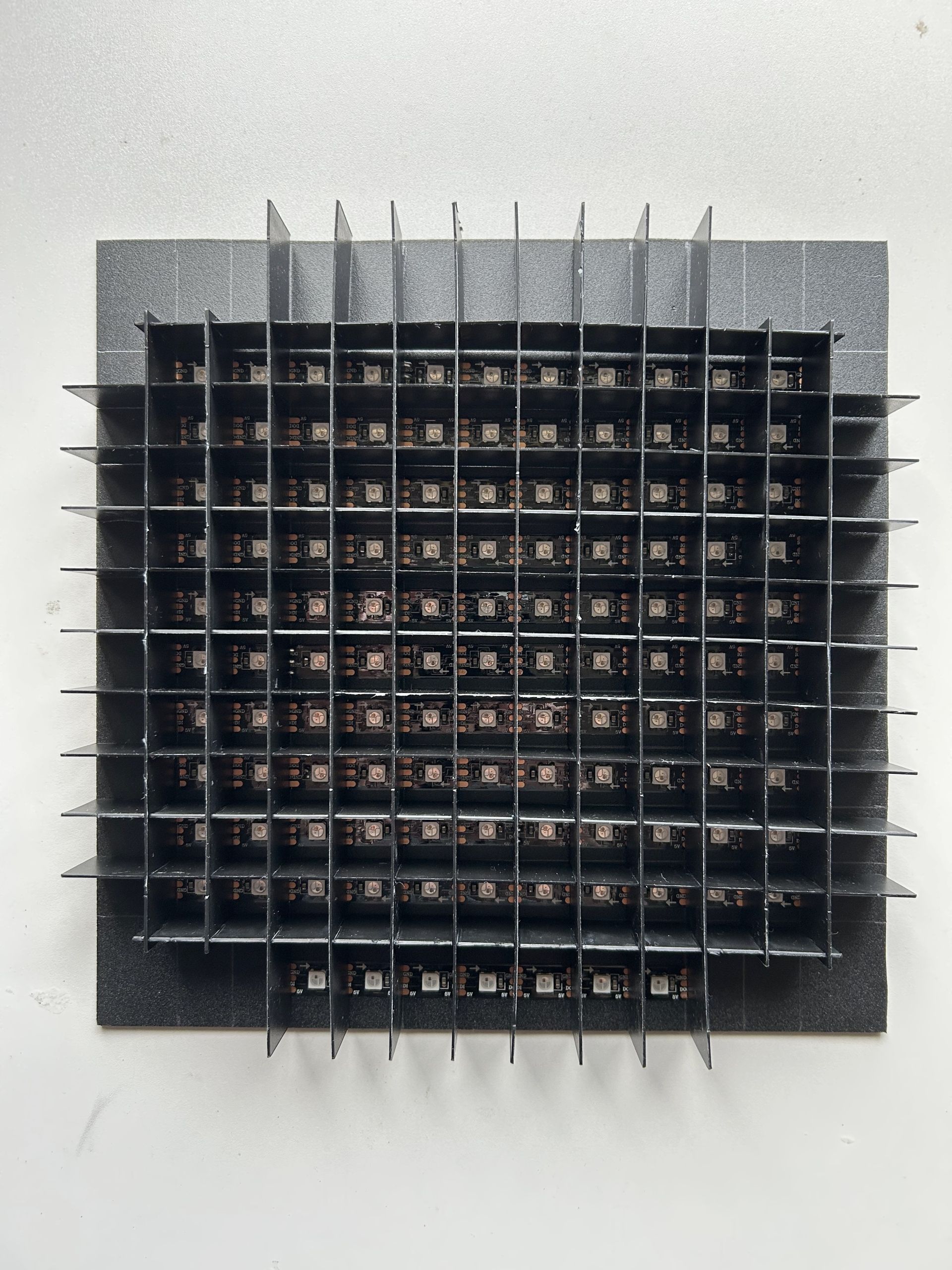
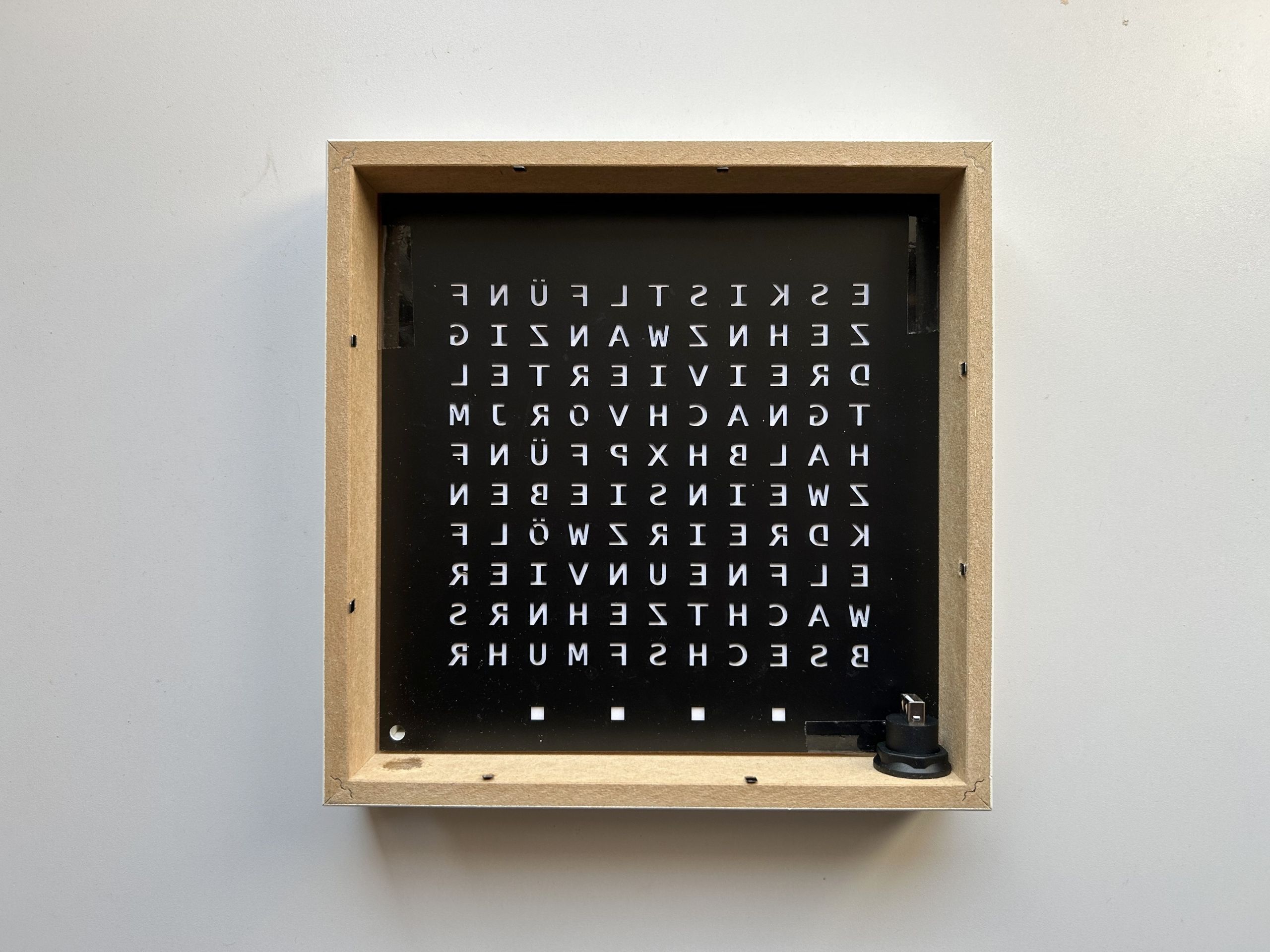
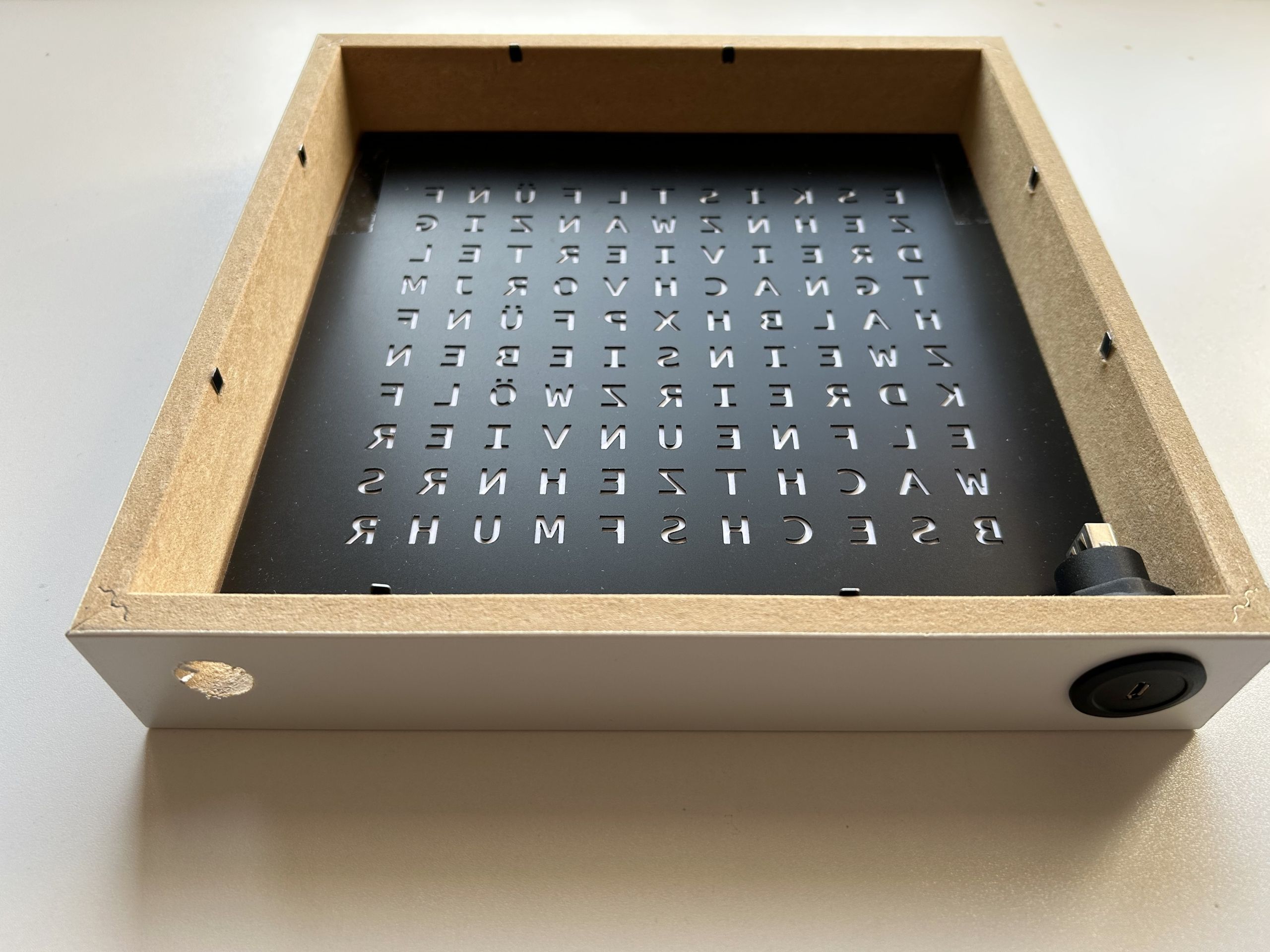
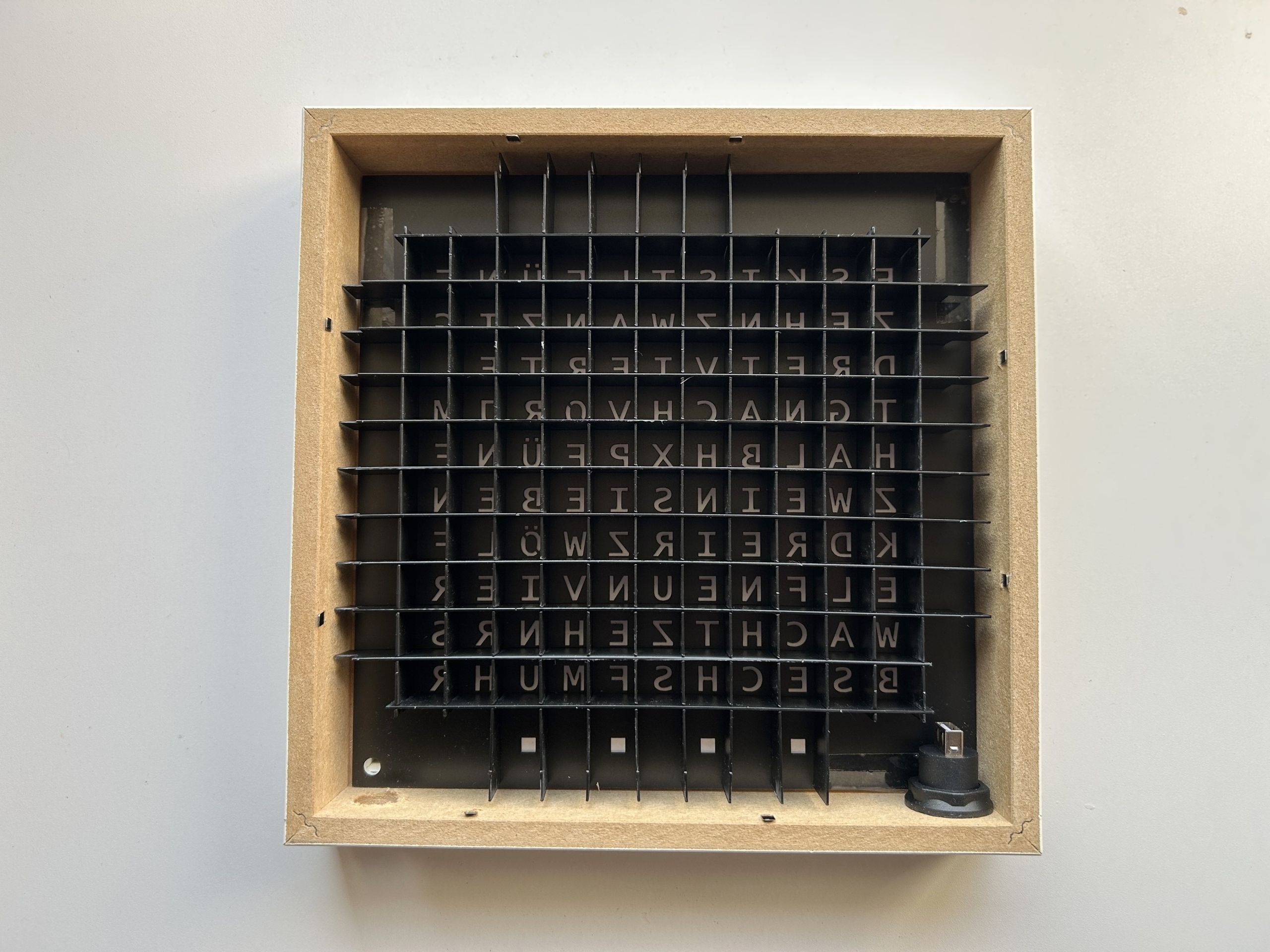
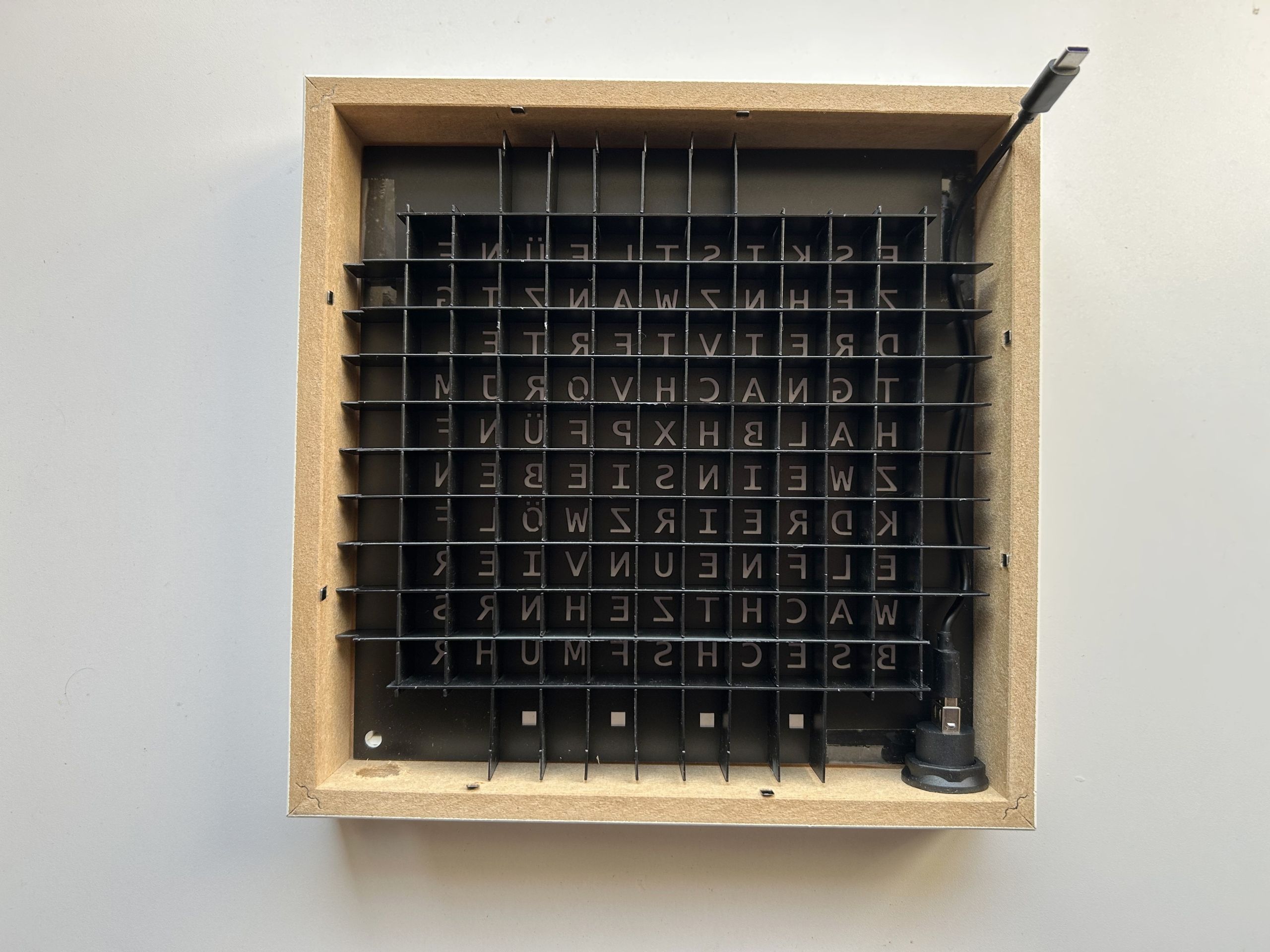
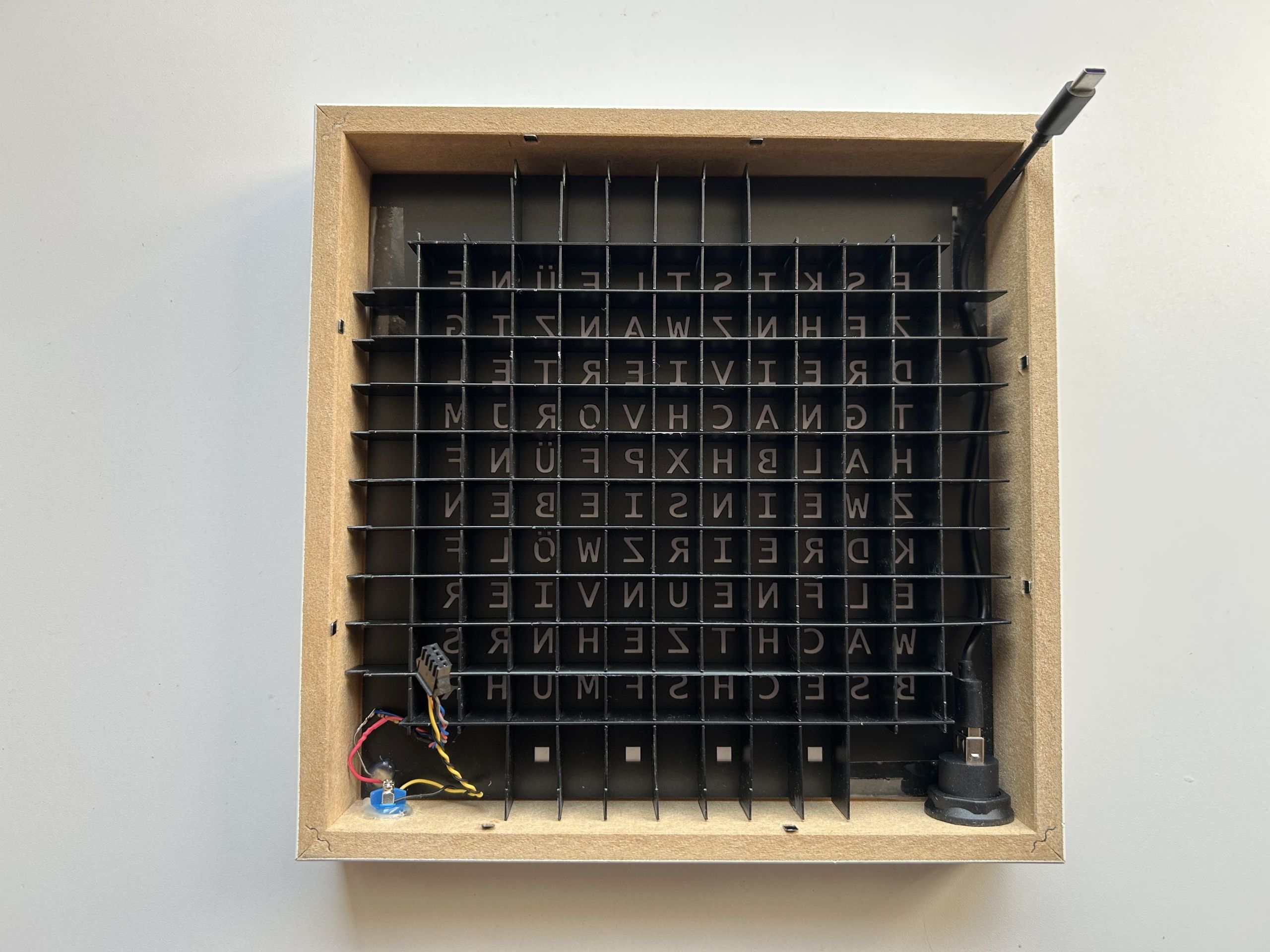
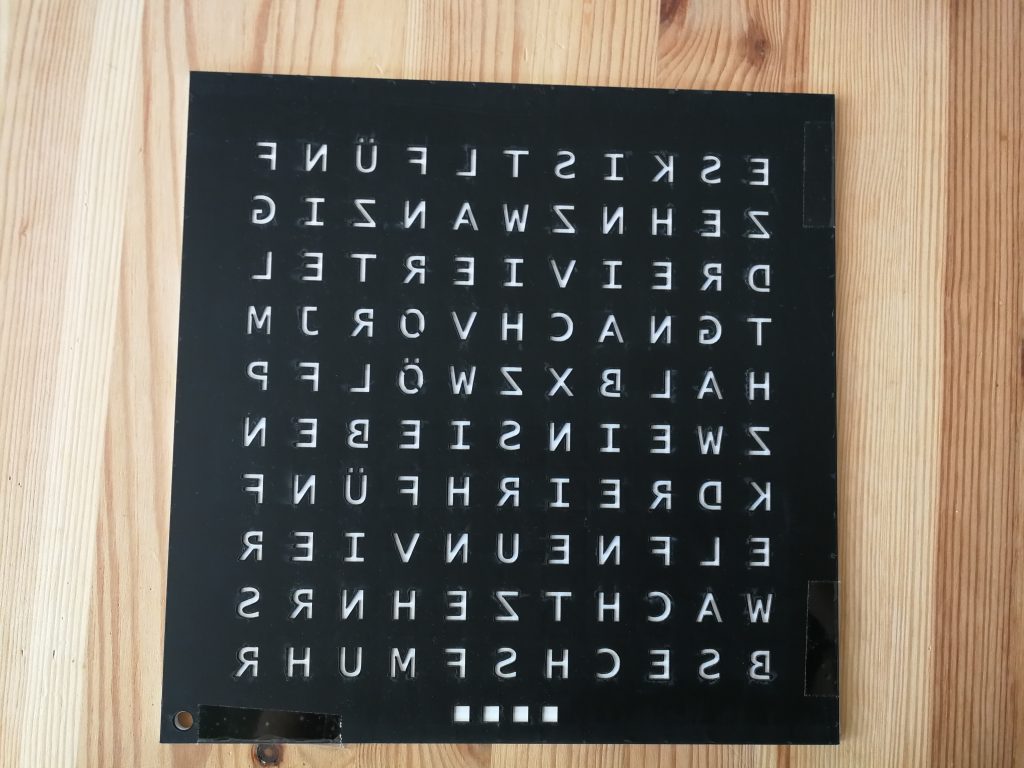
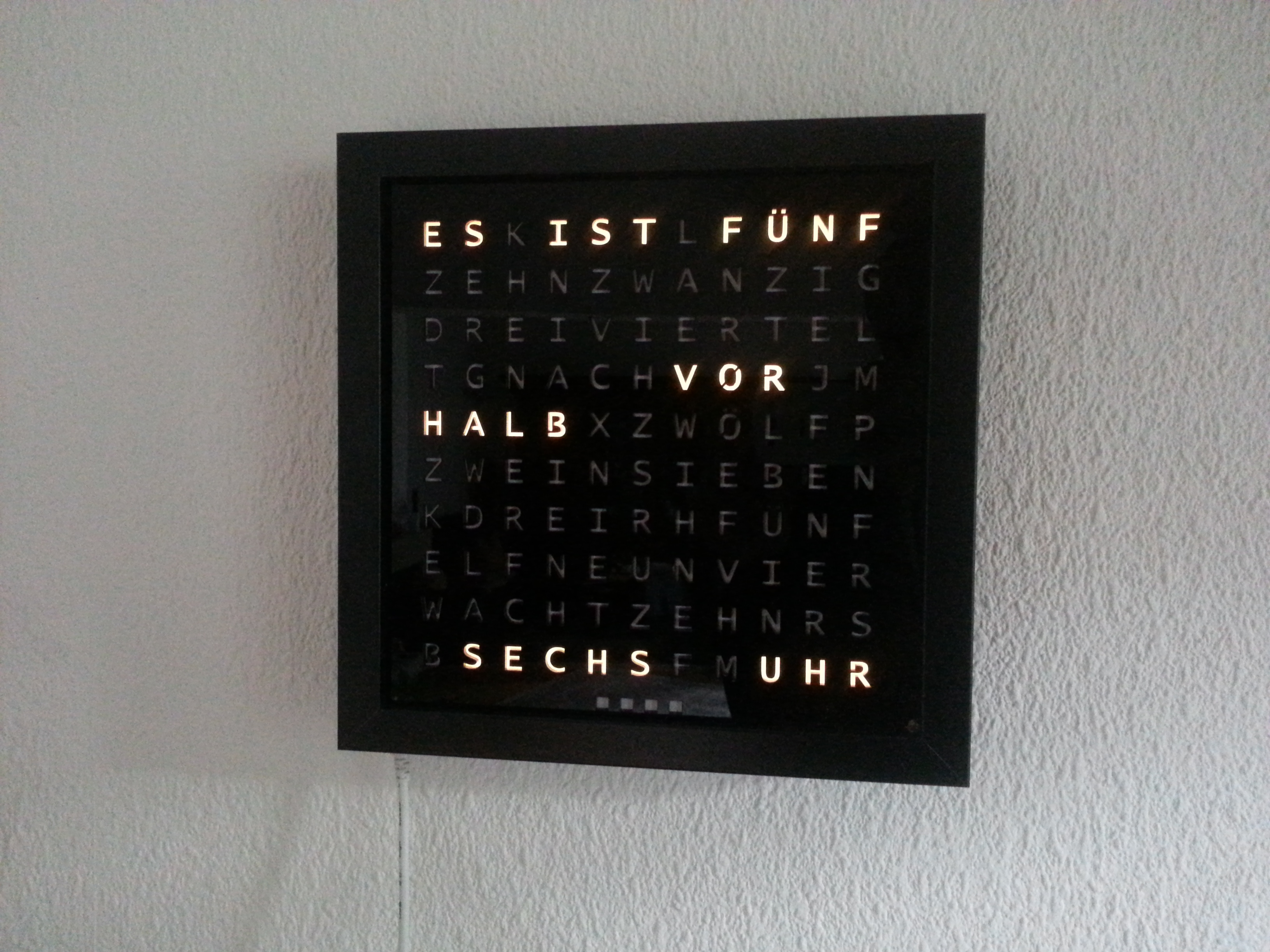
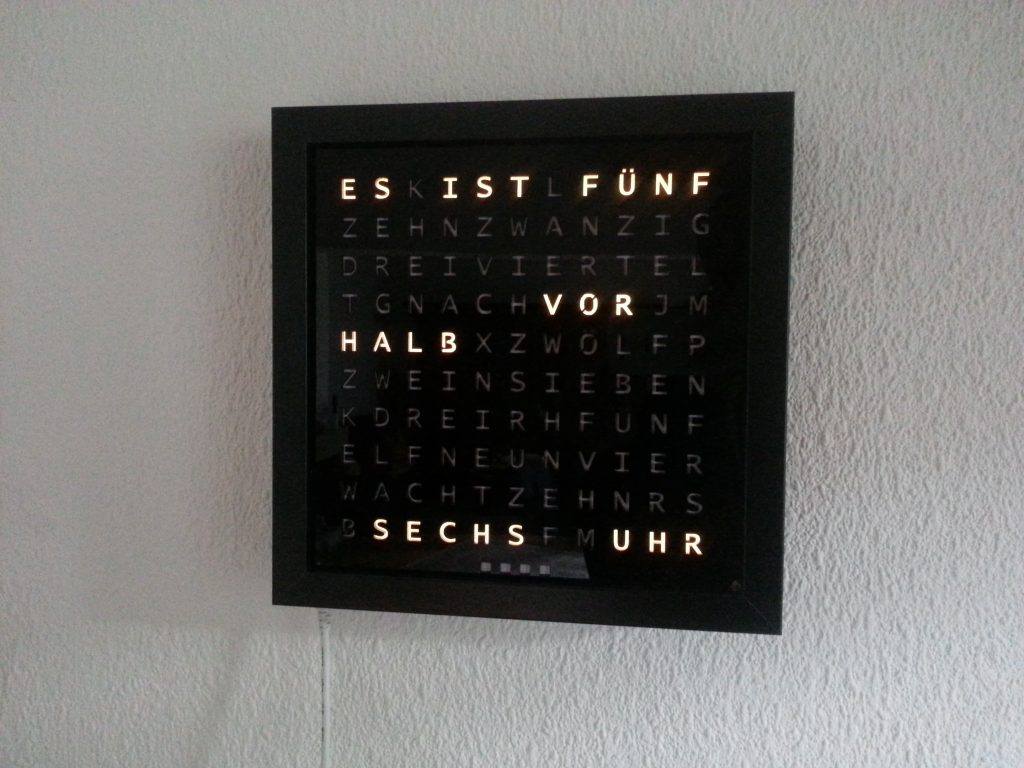
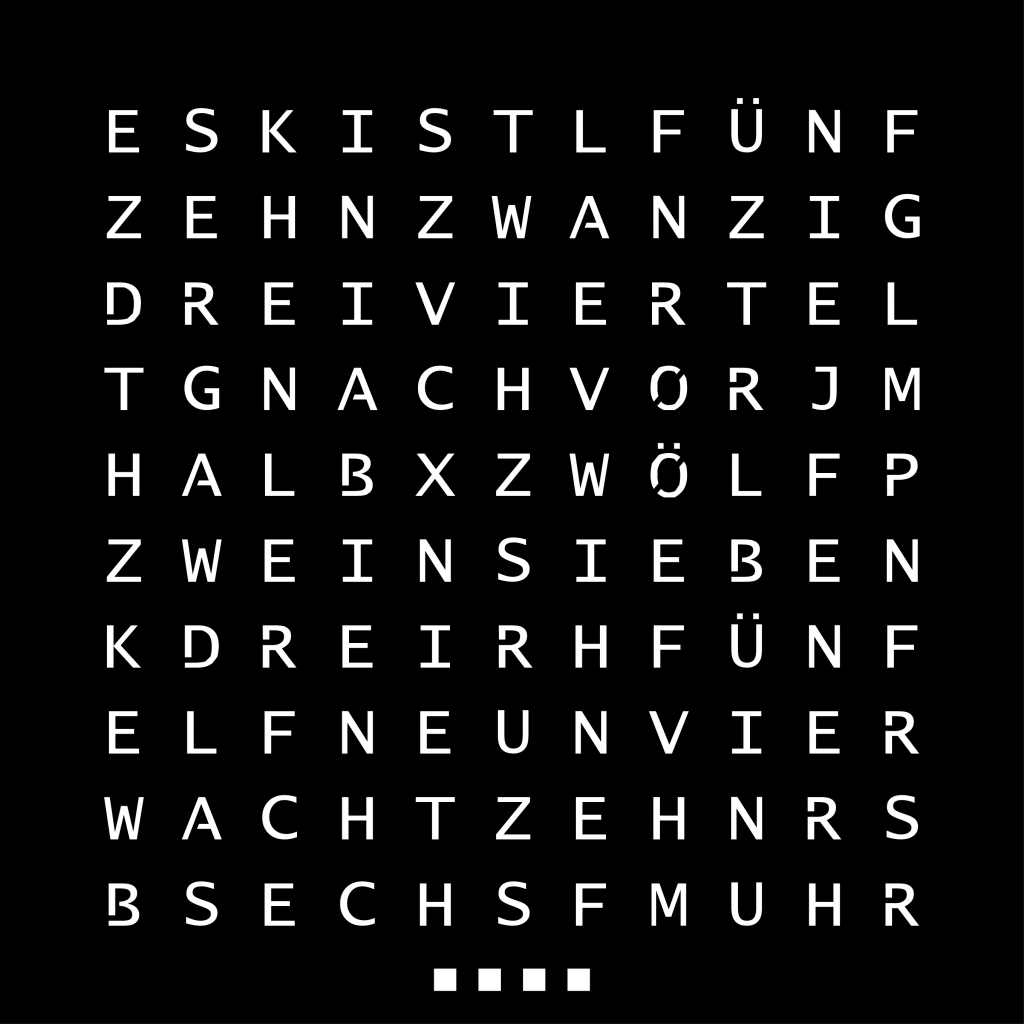
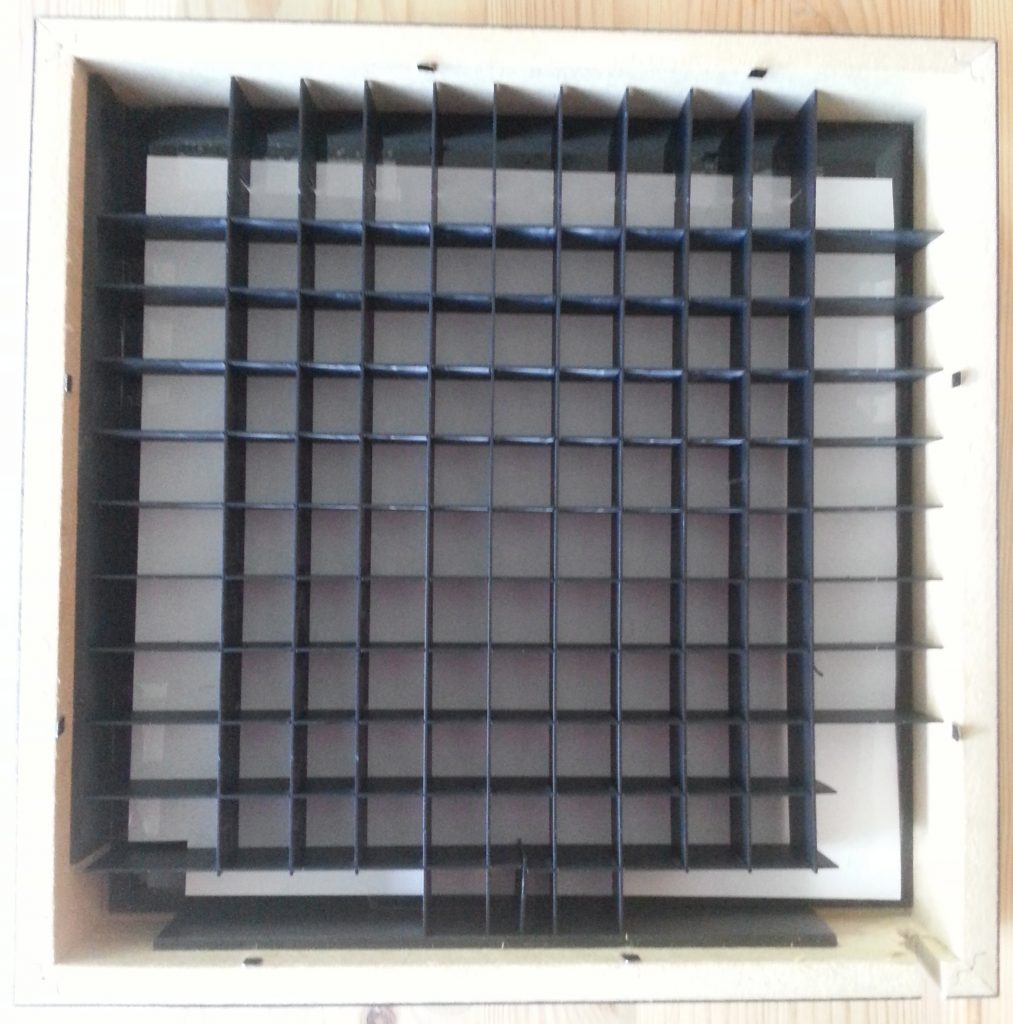
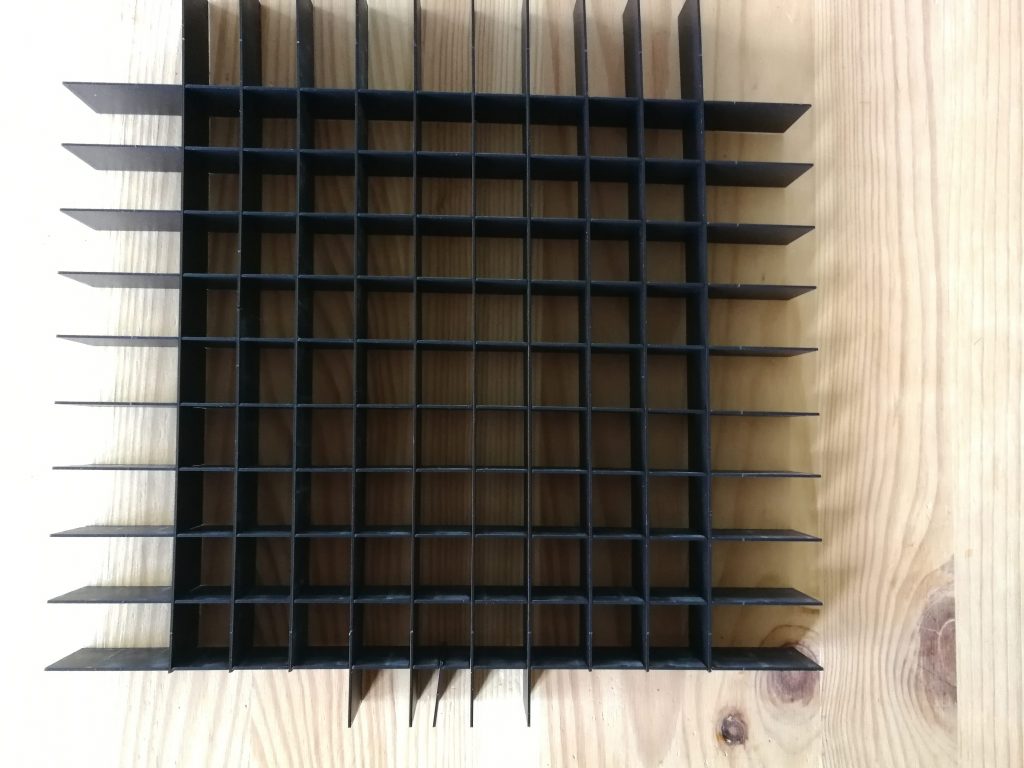
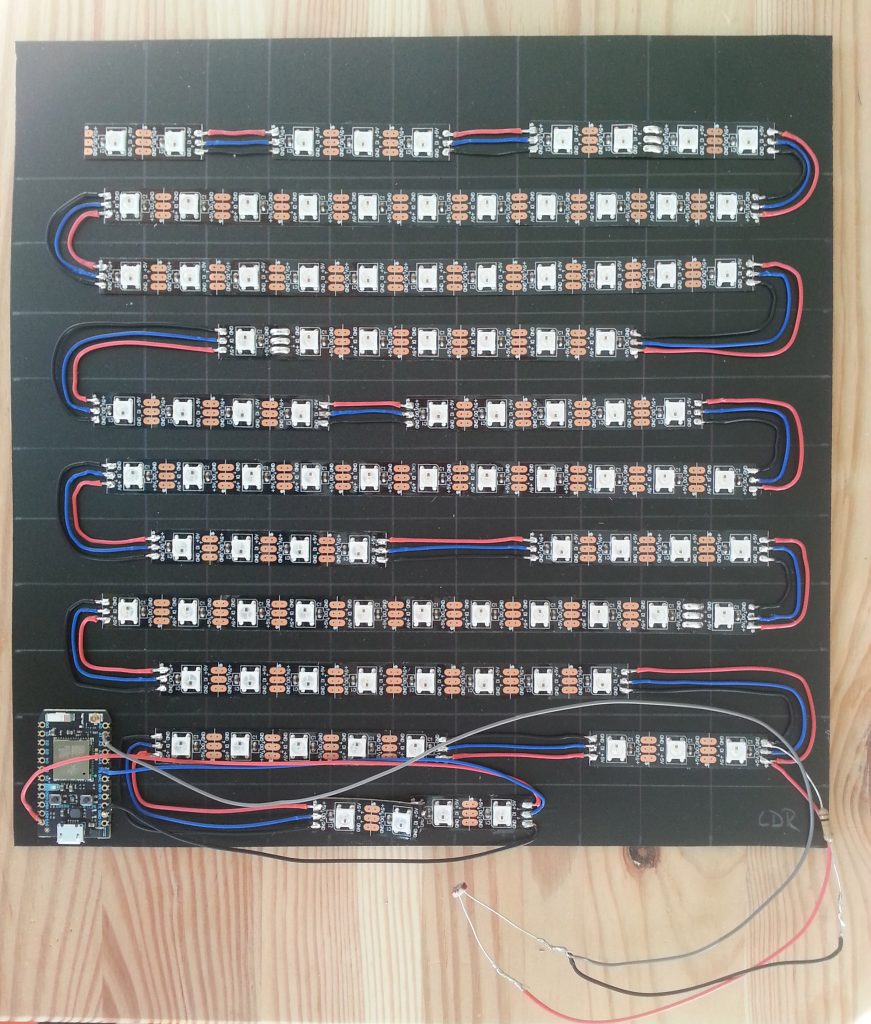
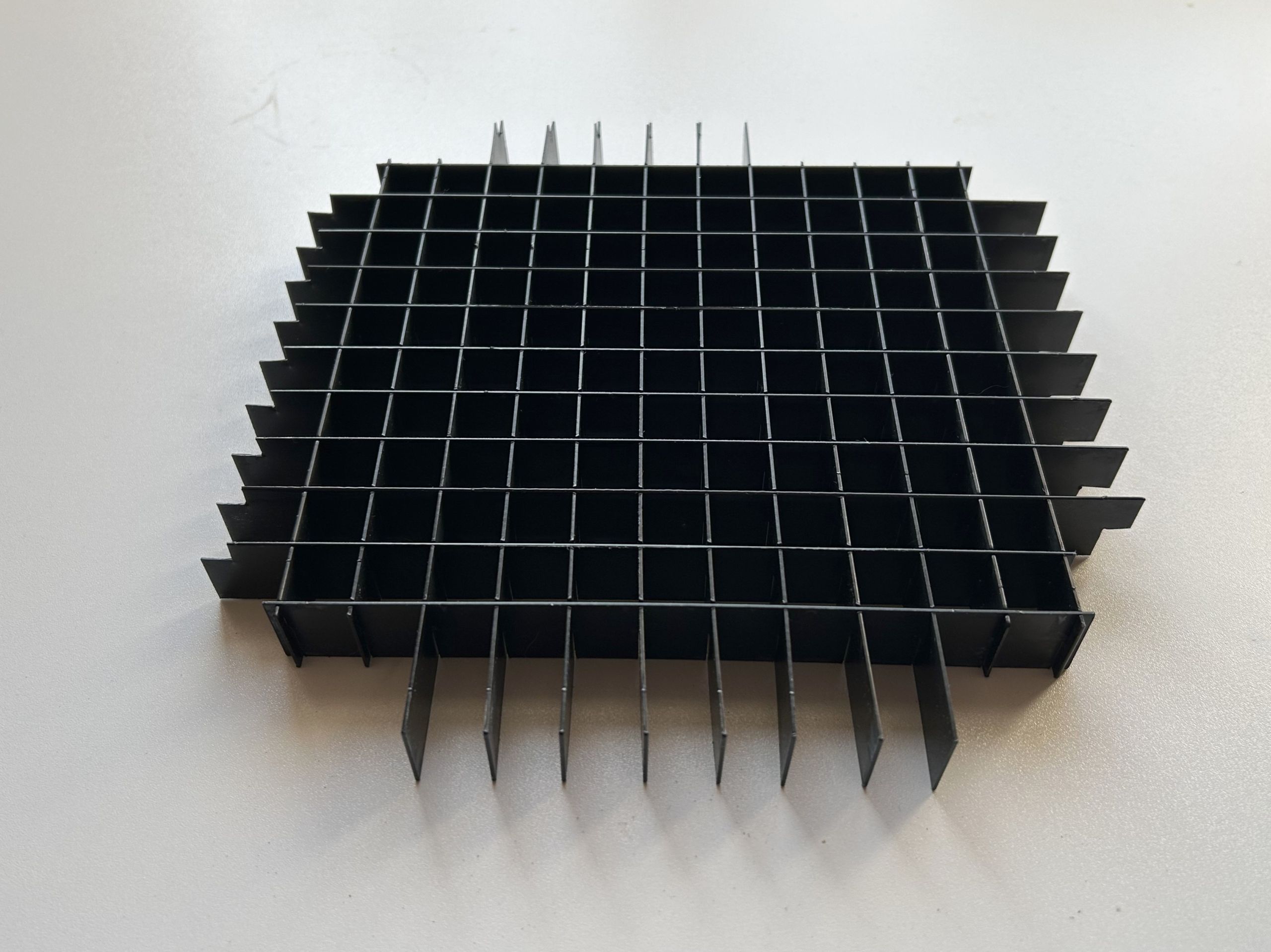
    The LEDs are cutted and arranged in a way described in the mikrocontroller.net article. The front plate and the inner grid are laser cutted by formulor.de and inserted in a 23x23cm RIBBA Frame of Ikea. Between the front plate and the inner grid is a white piece of paper to diffuse the light of the LEDs. The LEDs are glued to a Hartschaumplatte and connected to the Particle Photon. For adaptive lightning there is a LDR resistor attached.

    WordClock
    front plate – laser cutted
    inner grid
    inner grid
    WS2812B LEDs

    The source code and the laser cutting template is available on Github.

    Parts:

    • RIBBA 23x23cm frame
    • Particle Spark/Photon
    • WS2812B LED strip, 60 LEDs per meter, min. 97 LEDs
    • laser cutted front plate and inner grid (e.g. formulor/ponoko)
    • LDR
    • 10k resistor
  • GitHub
  • Xing
  • Impressum
  • Datenschutz