www.haegi.org

www.haegi.org

  • 9. November 2025

    |

    Projects » WordClock

    CircuitPython WordClock (v2)

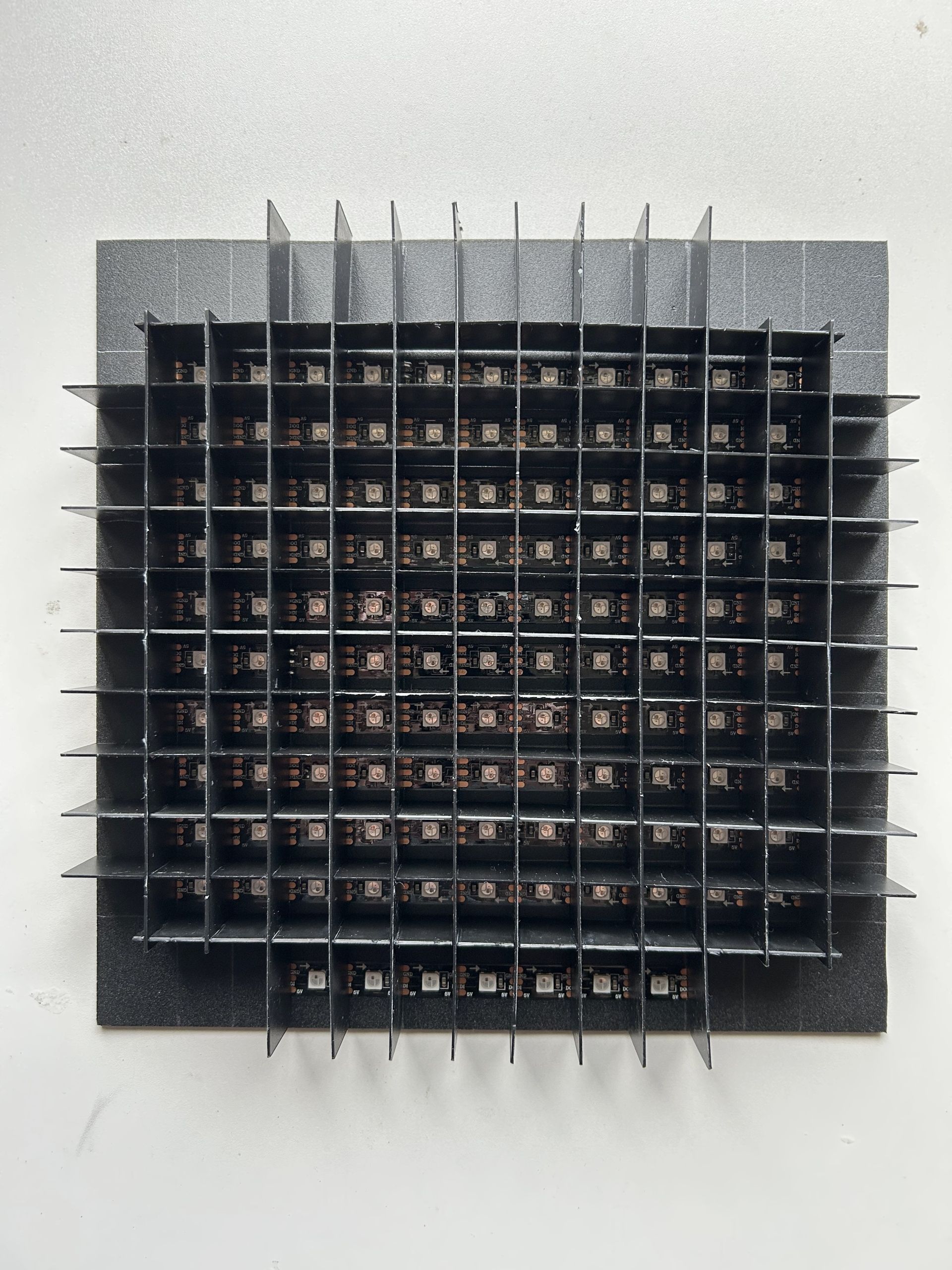
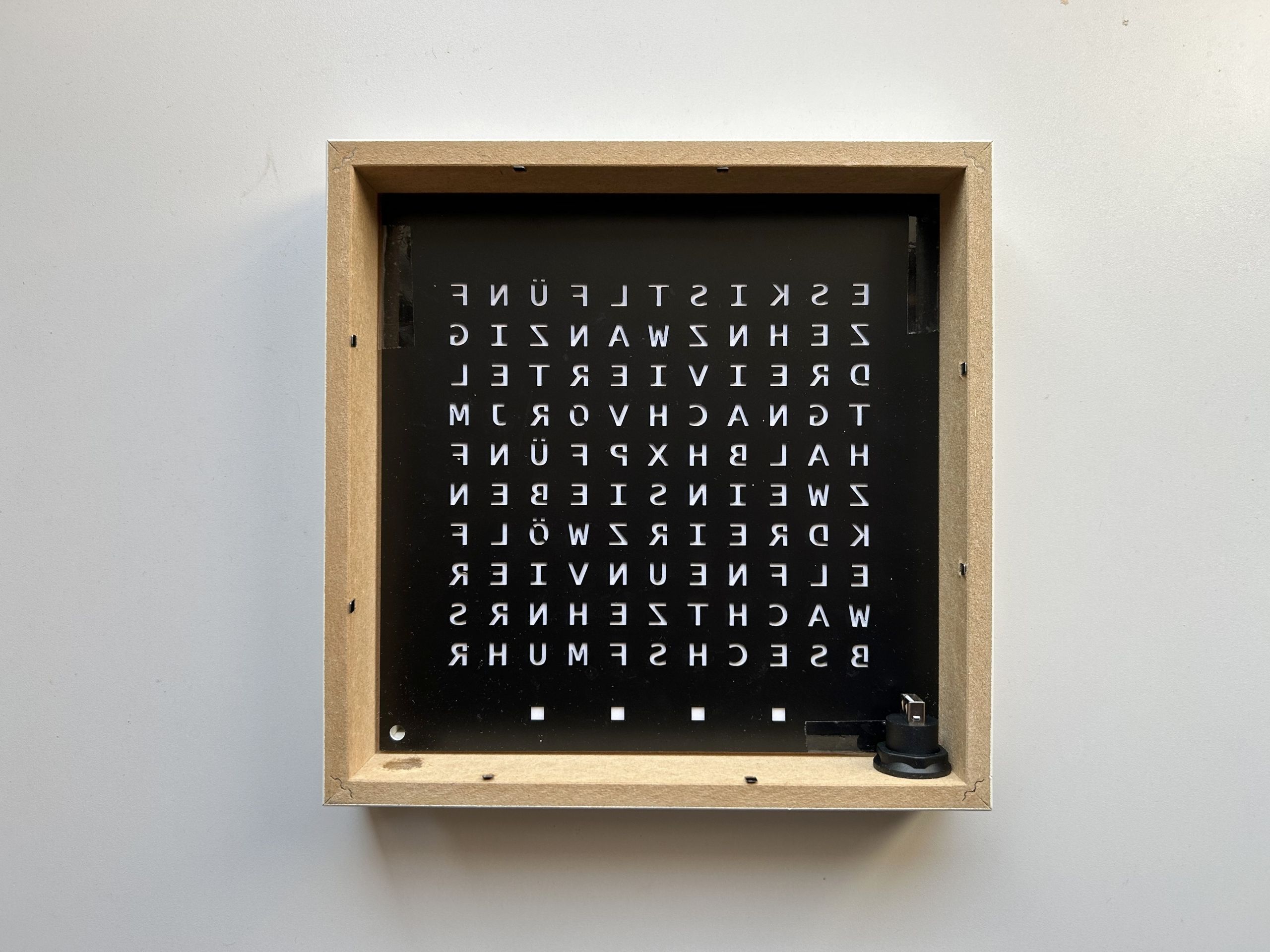
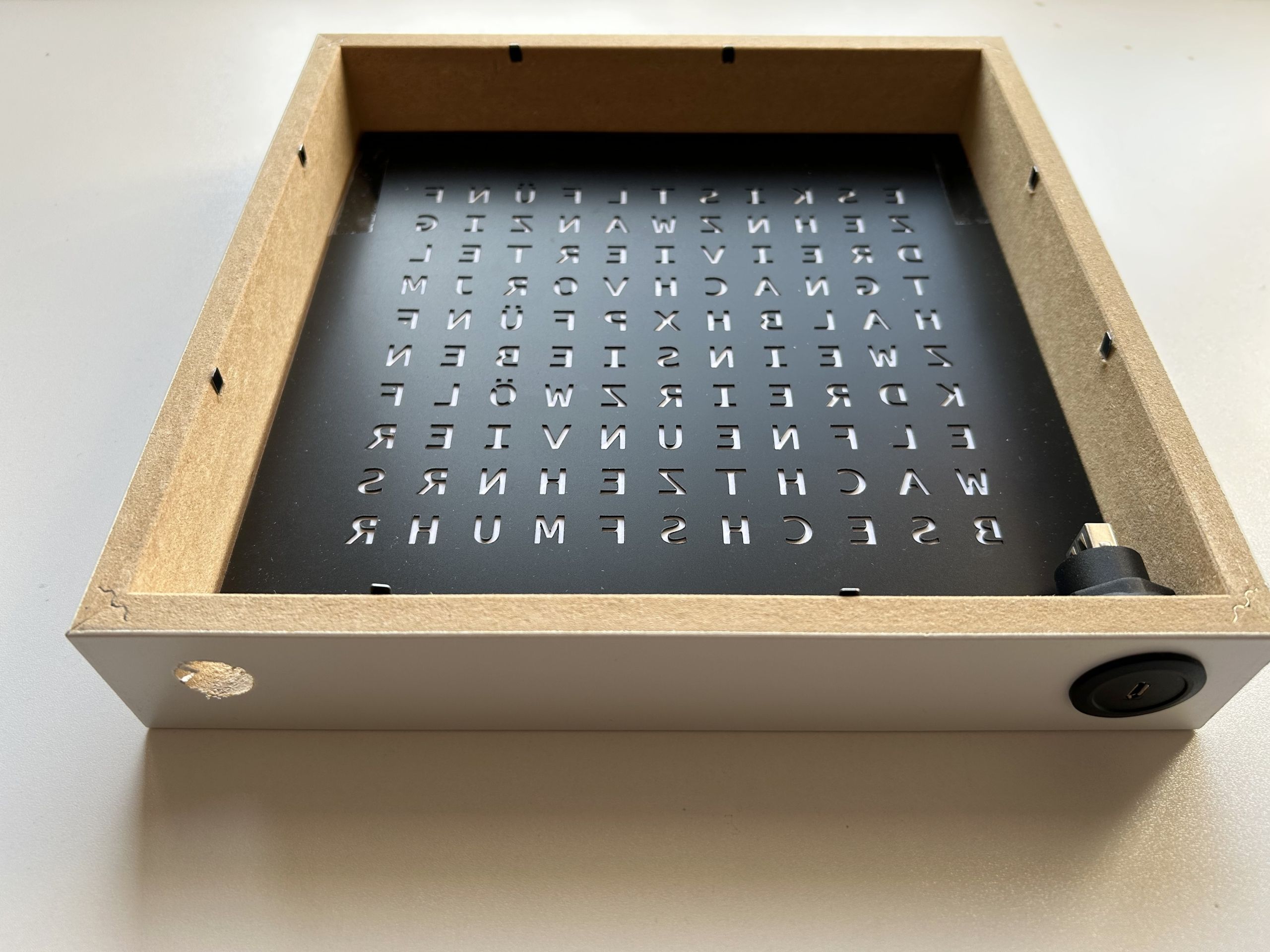
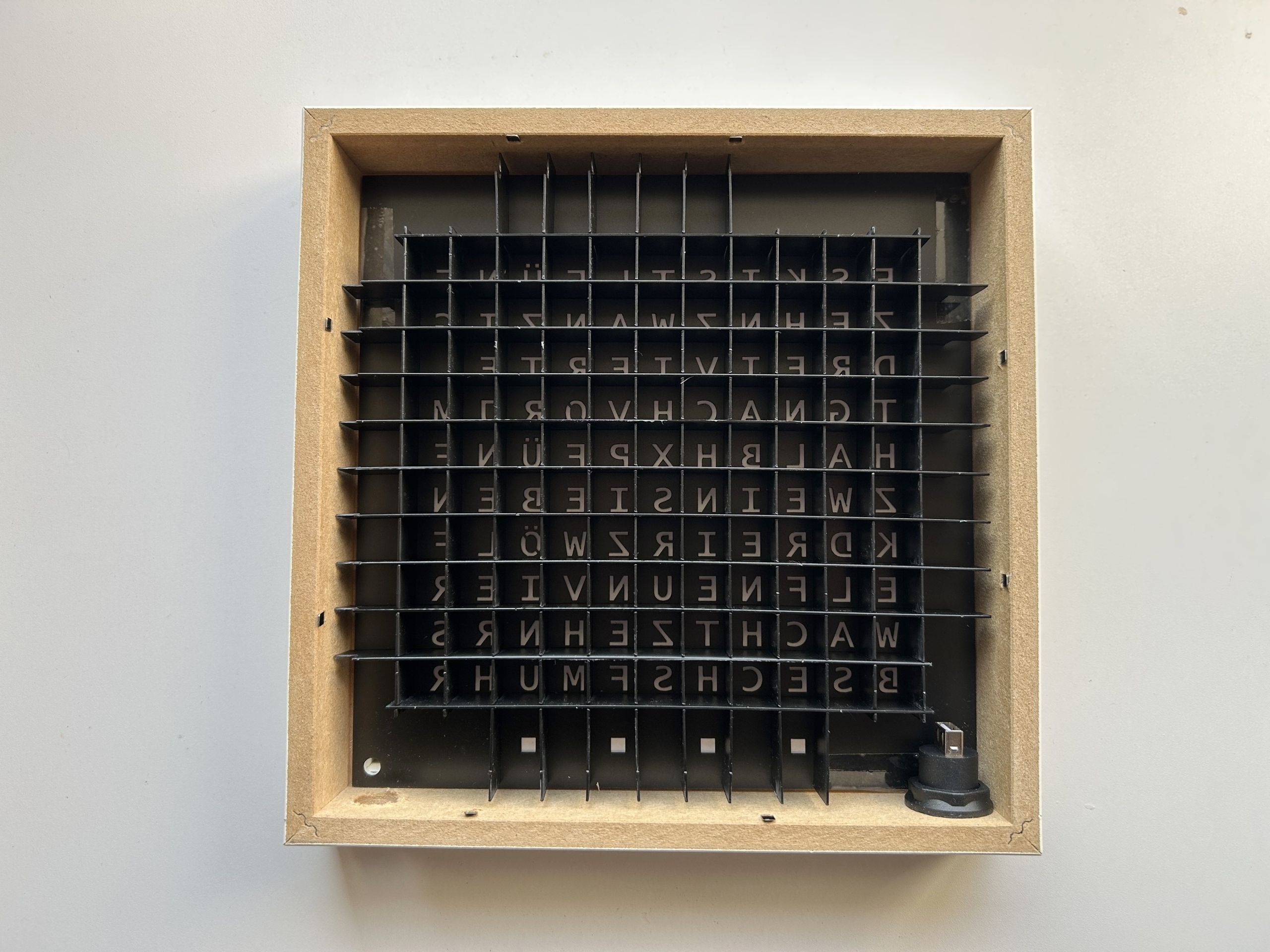
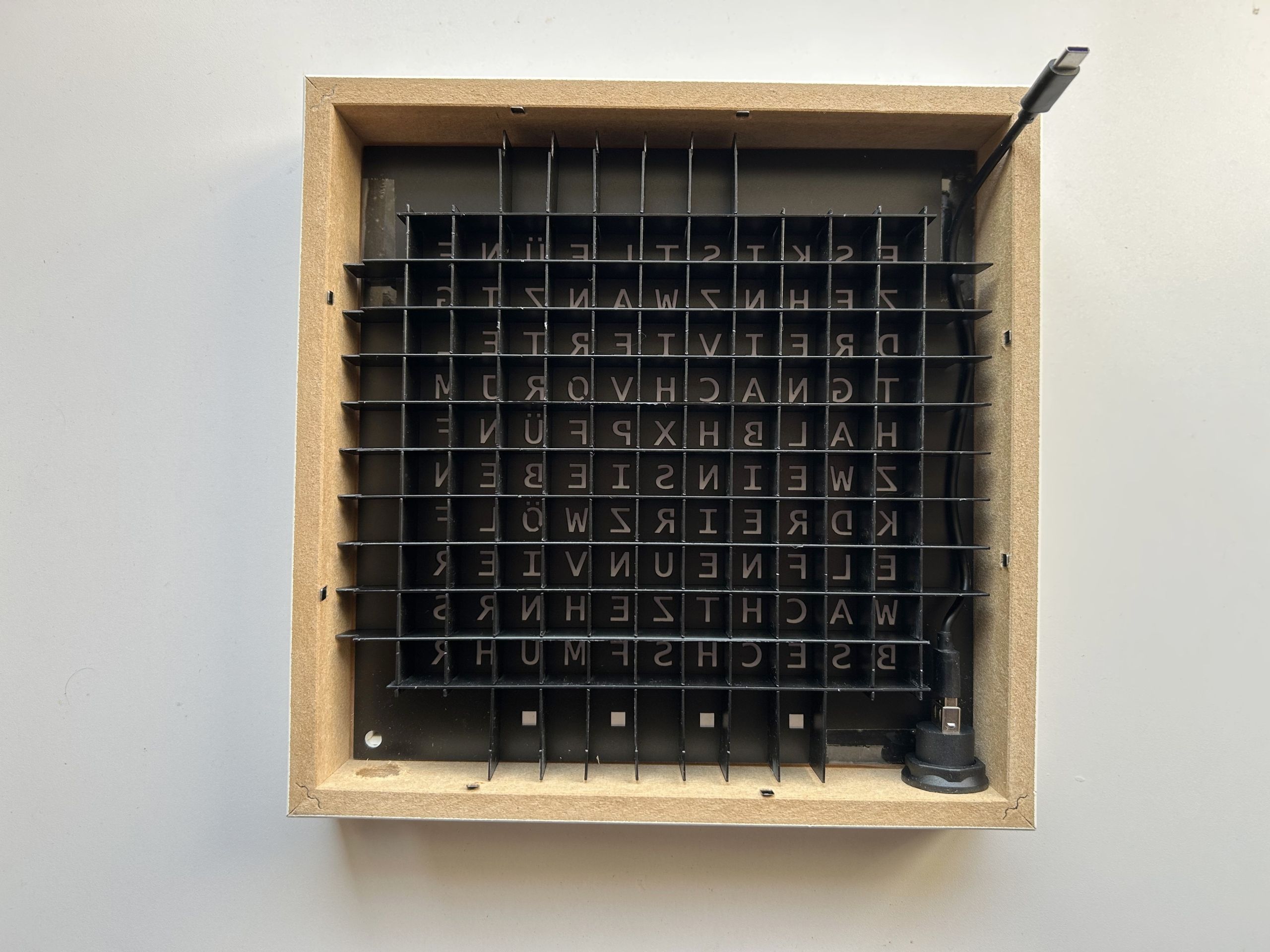
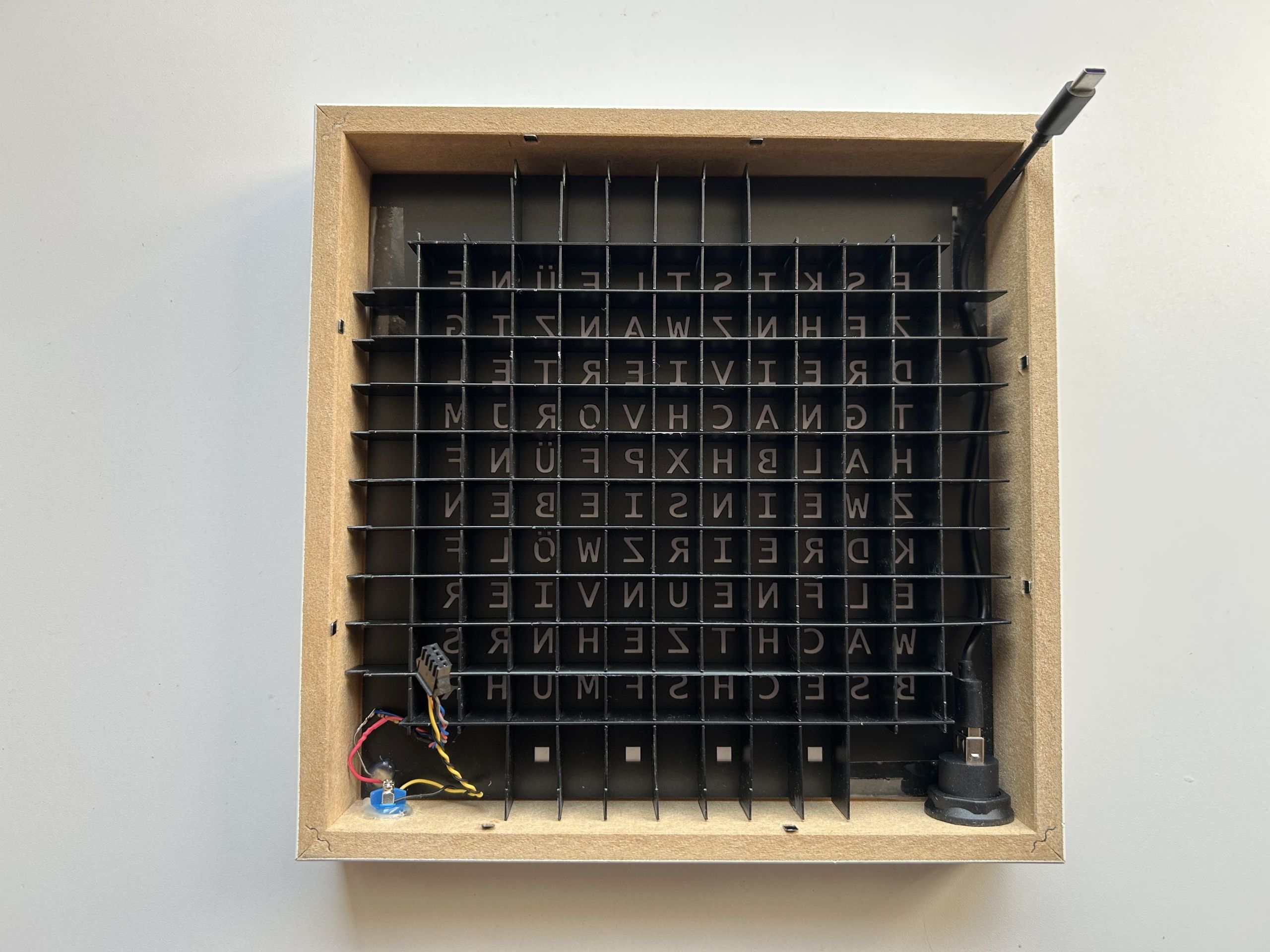
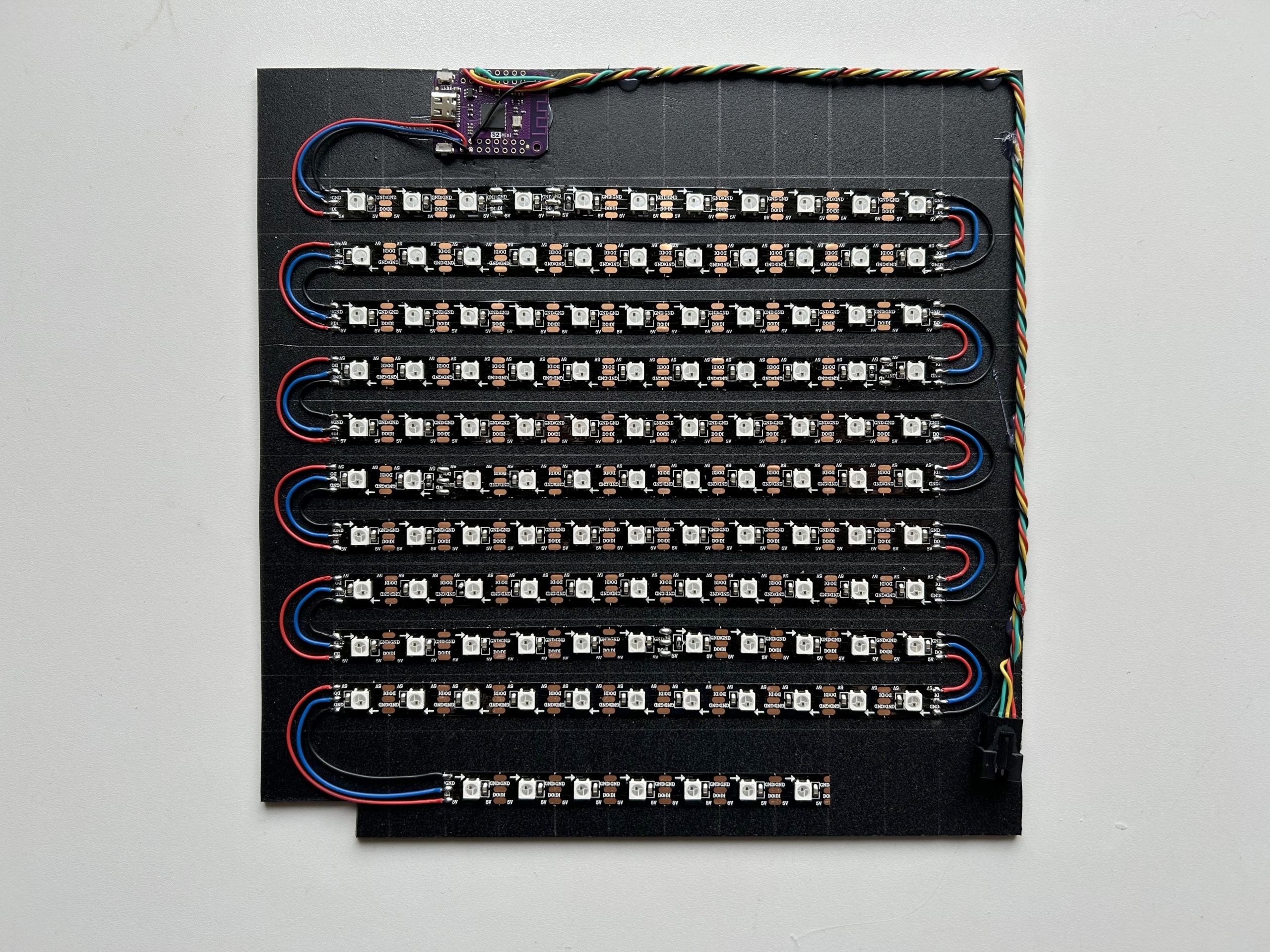
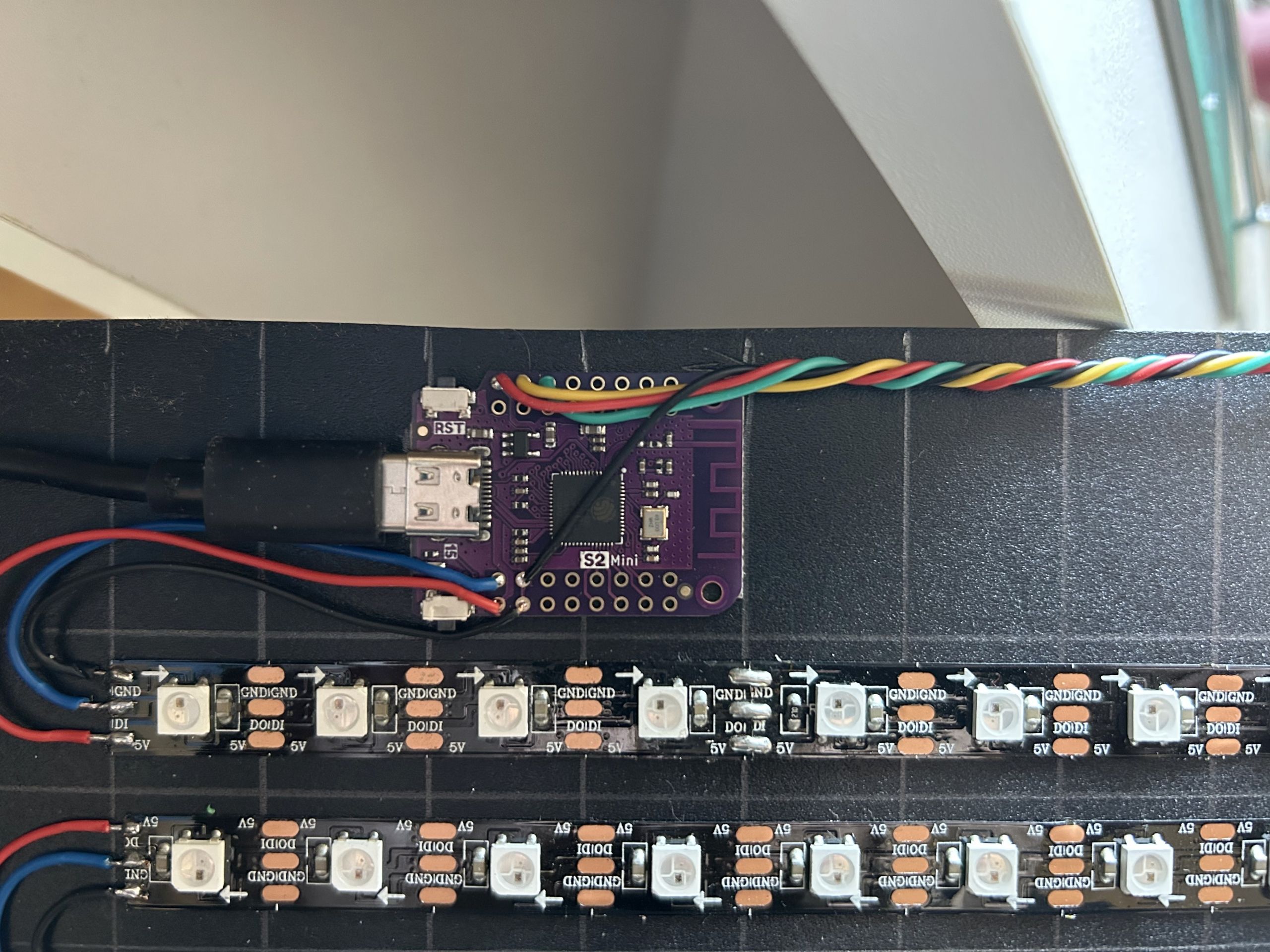
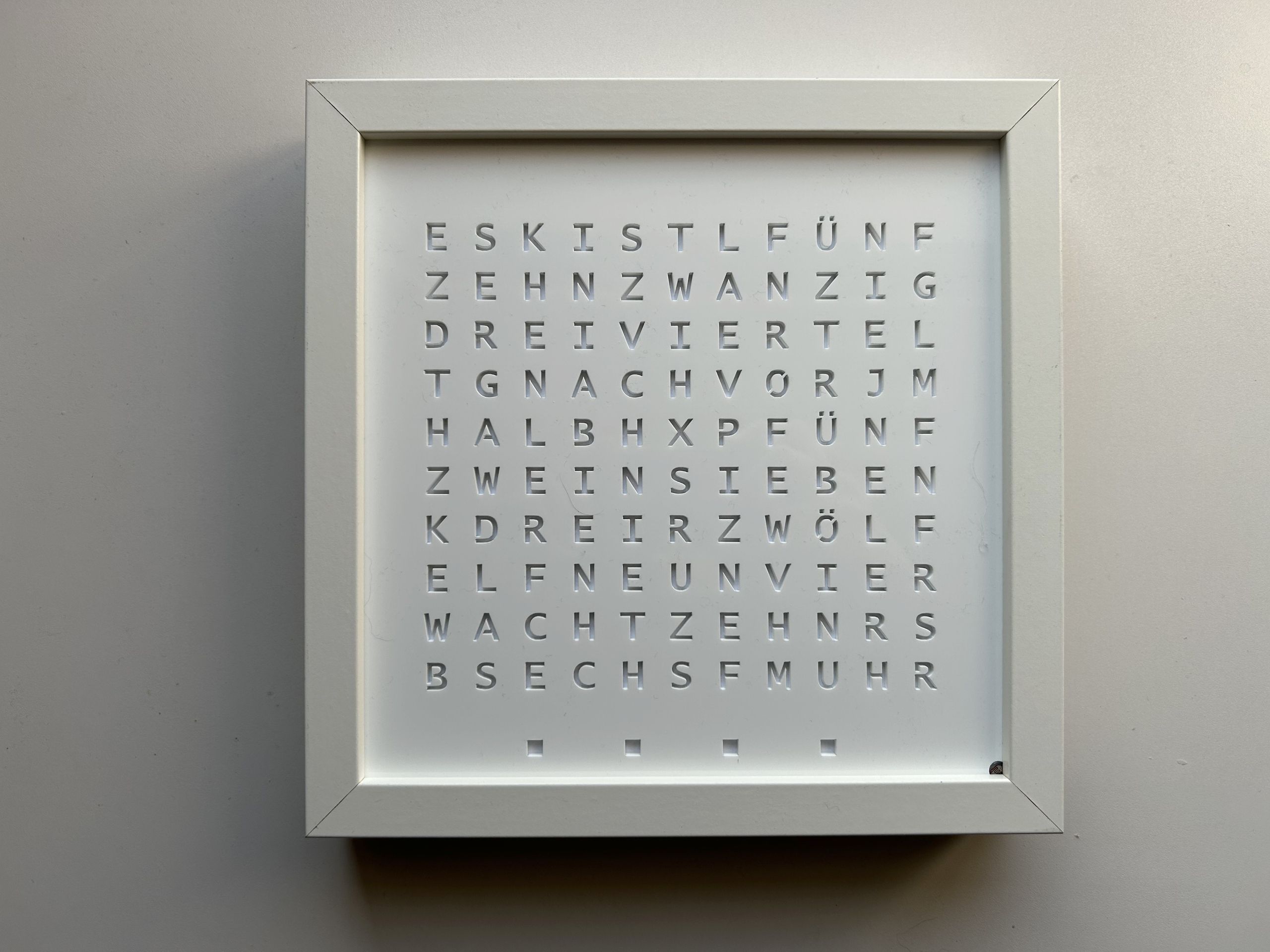
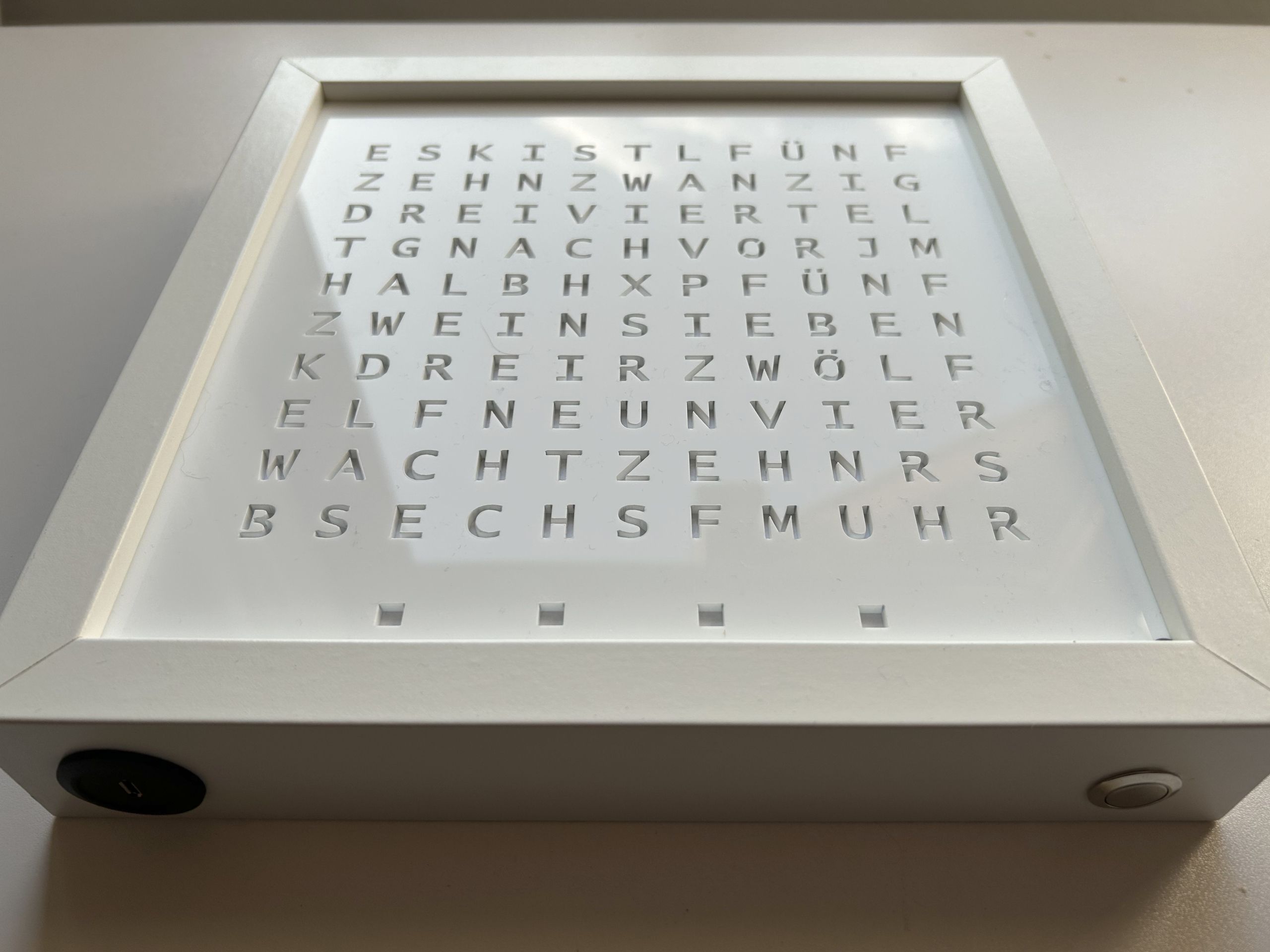
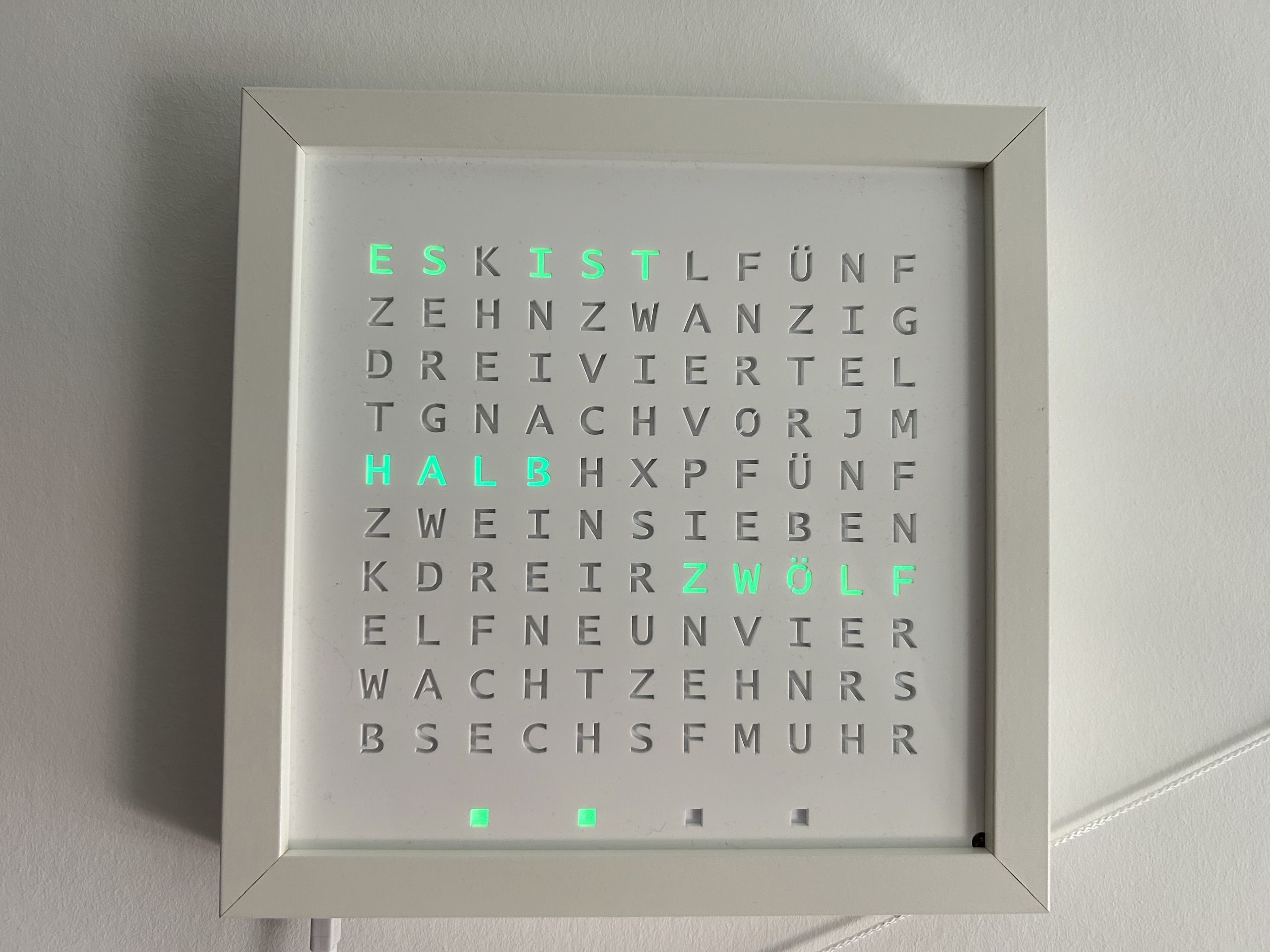
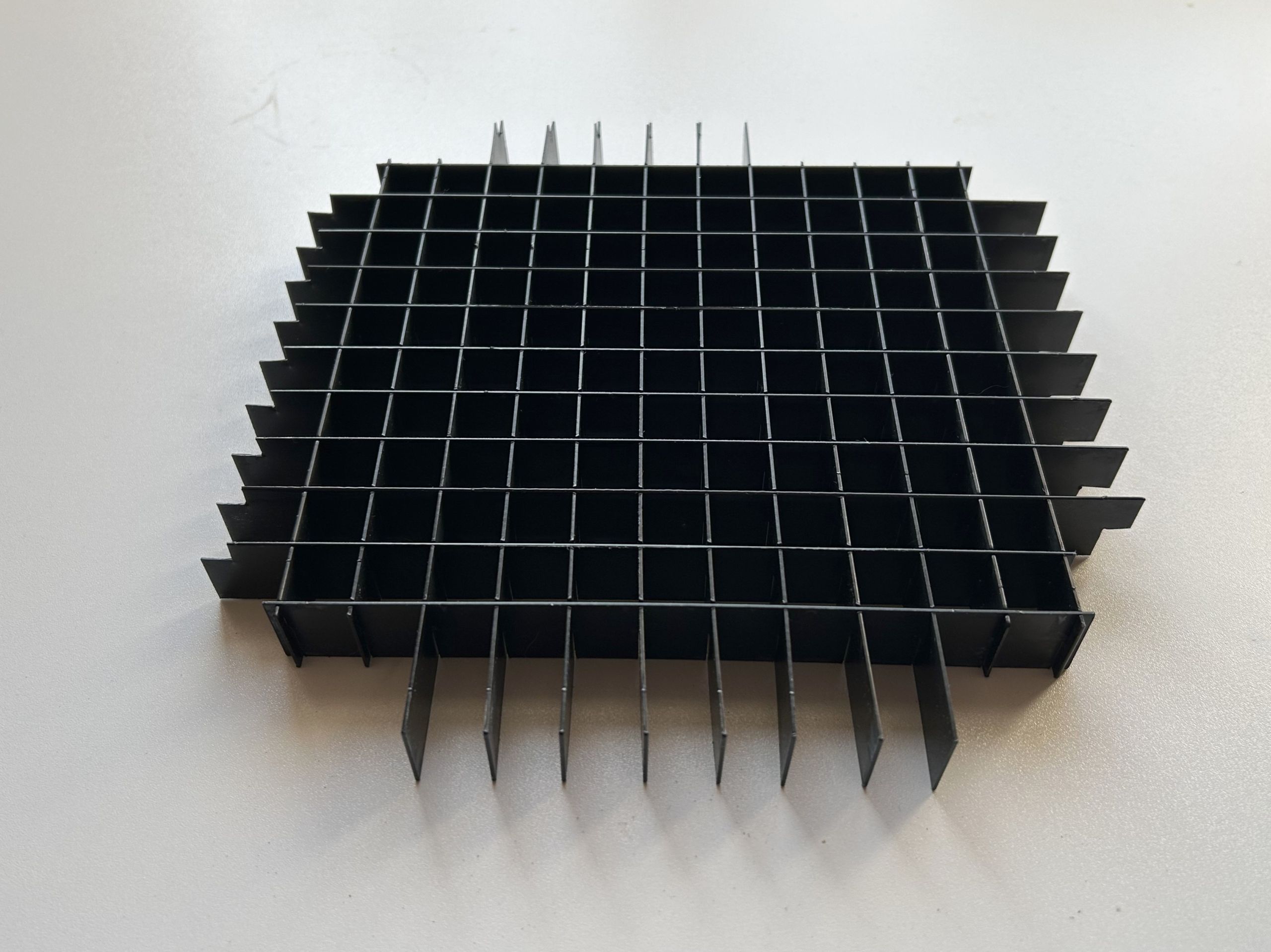
    The latest revision of the WordClock uses a ESP32-S2 (Lolin S2 Mini) and a full LED matrix to display scrolling text.

    The software uses CircuitPython with a local web server running on the WordClock to control the color and time.

    The code and the laser cutting templates can be found on github.

    Connect to Wi-Fi

    After plugging in, the four lower minute indicators light up red while the wordclock connects to the stored Wi-Fi network.

    If no Wi-Fi network hasn’t be set up yet or if an already set up Wi-Fi network is not available, a Wi-Fi hotspot (e.g. WordClock_085699f434a1) is created after a short time and the IP address of the wordclock (192.168.251.1) is displayed in red in a continuous loop.

    To set up the Wi-Fi network, a smartphone or computer must be connected to the Wi-Fi hotspot. Then, enter the IP address displayed (http://192.168.251.1) or http://wordclock.local in your browser, where the Wi-Fi network and password can be entered:
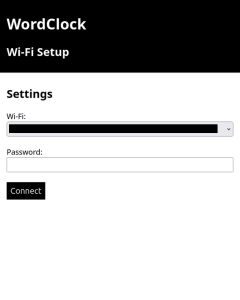
    After pressing ‘Connect’, the clock will restart and attempt to connect to the Wi-Fi network.

    Control WordClock settings

    Once the connection has been established, the assigned IP address of the wordclock is displayed twice as scrolling text. Afterwards the current time is shown.

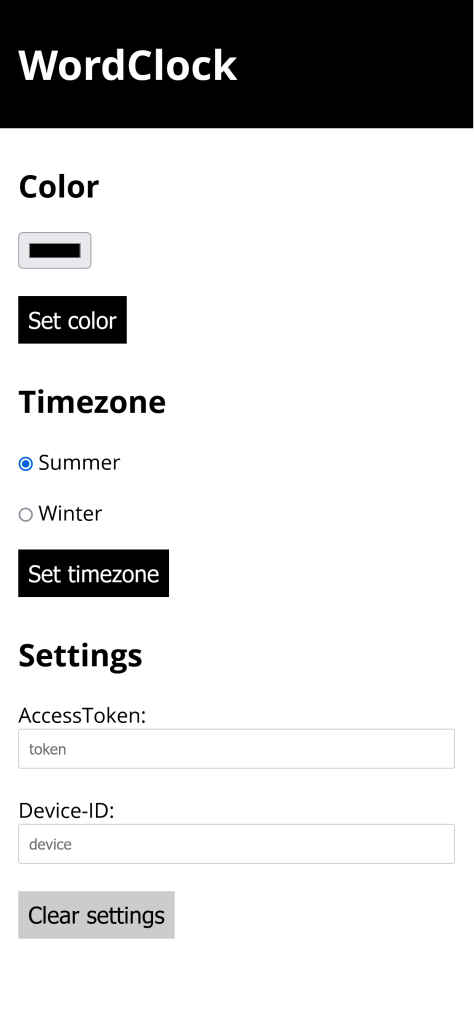
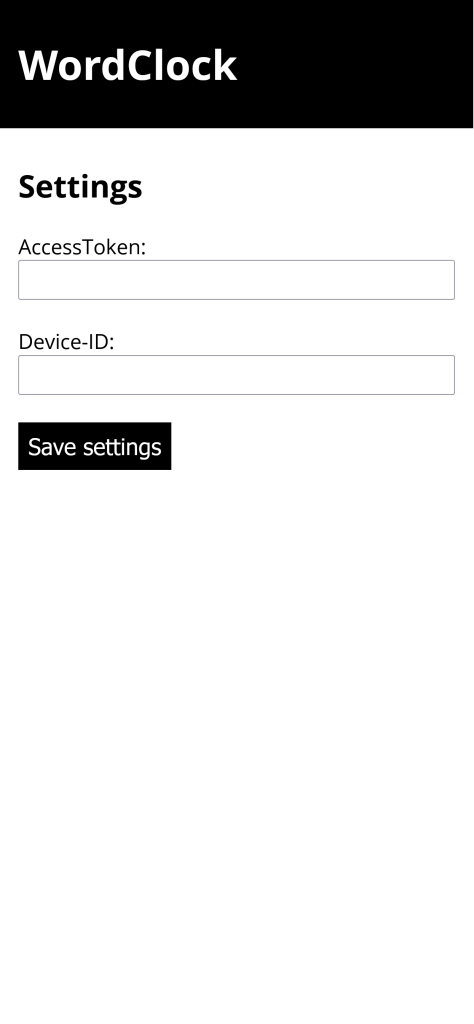
    To configure various settings the IP address displayed at start-up (http://) or http://wordclock.local can be accessed via a smartphone or computer:

    The following adjustments are possible:

    • current colour
    • the automatic brightness or the manually brightness value
    • time zone
    • whether the day-time-saving should be applied automatically
  • 4. February 2024

    |

    Projects » WordClock

    Particle WordClock Controller Web App

    To adjust the color and timezone of the wordclock I created a small web application.

    You can find the source code on github.

  • 30. July 2023

    |

    Projects » SmartSwitch

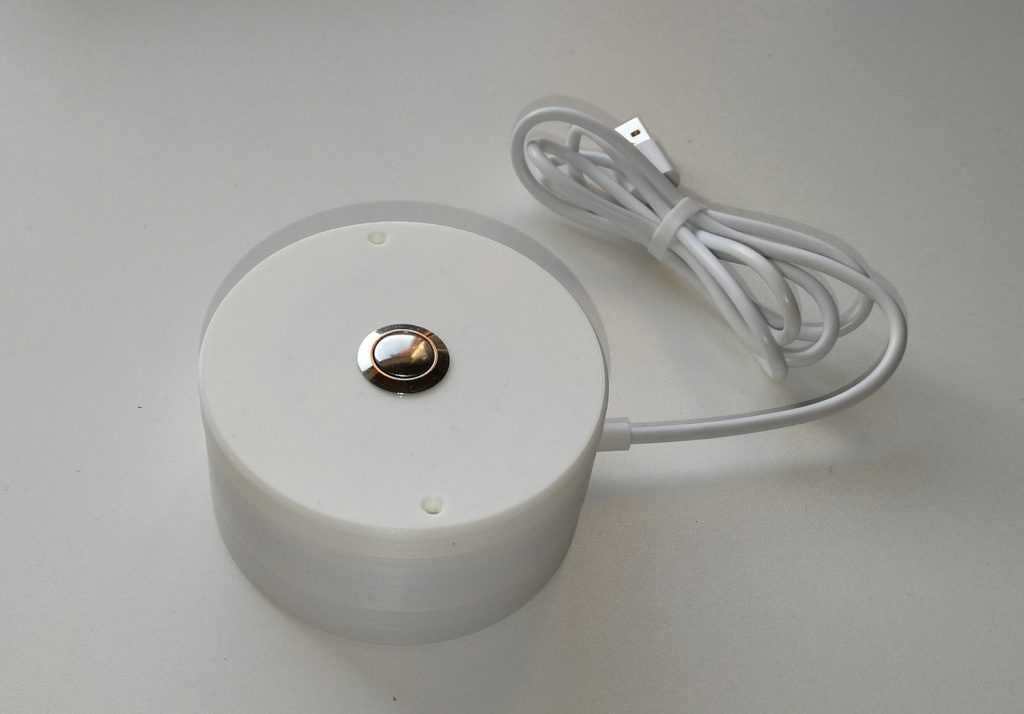
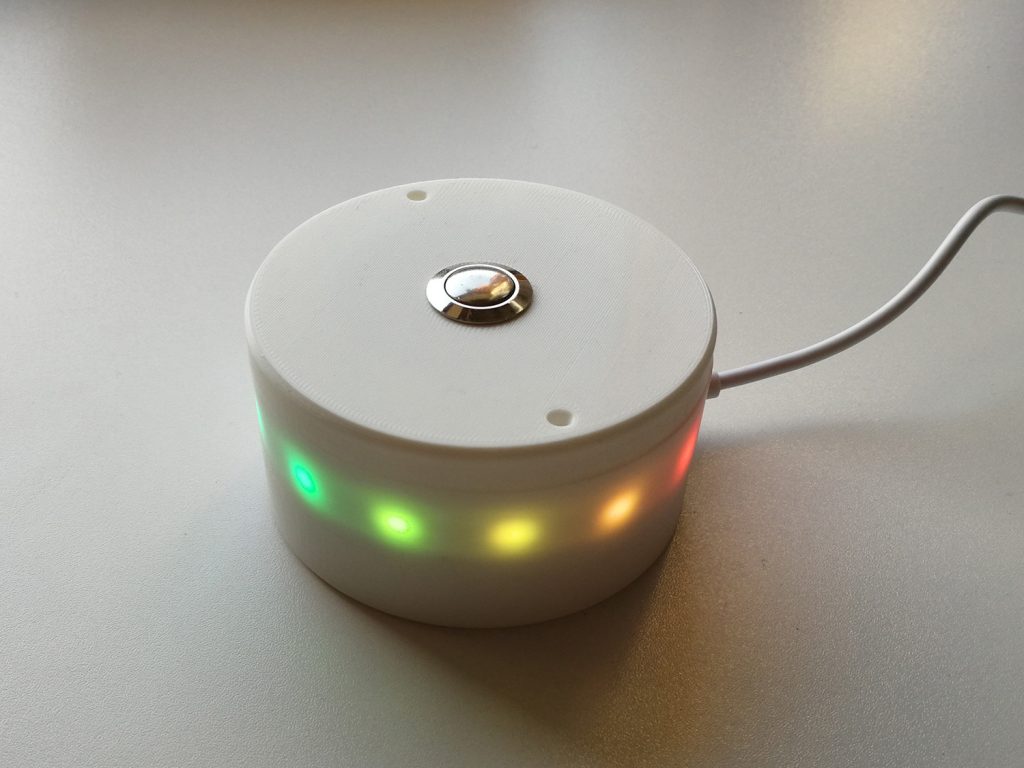
    360 Degree WiFi Notifications Button

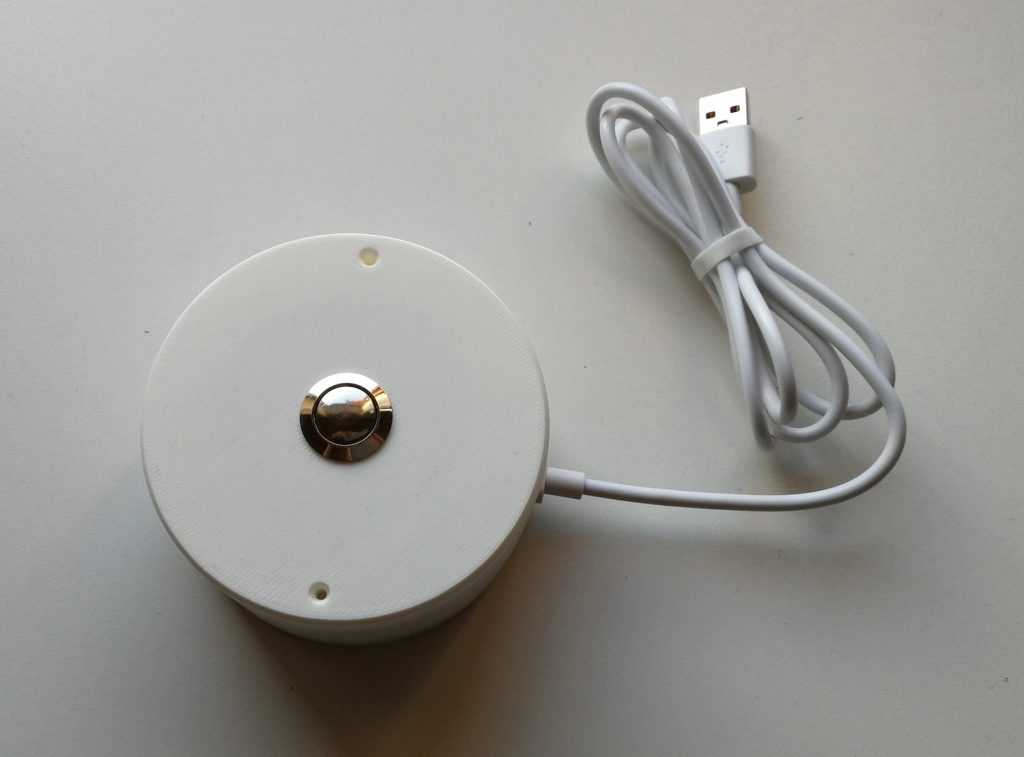
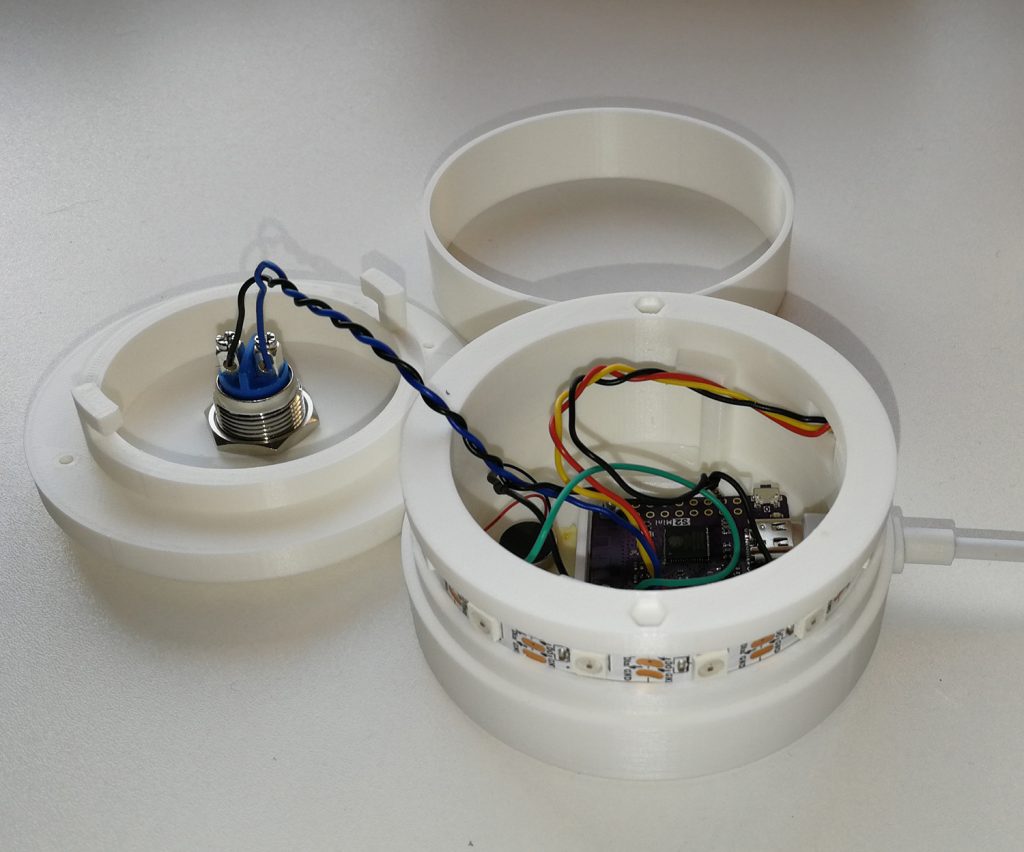
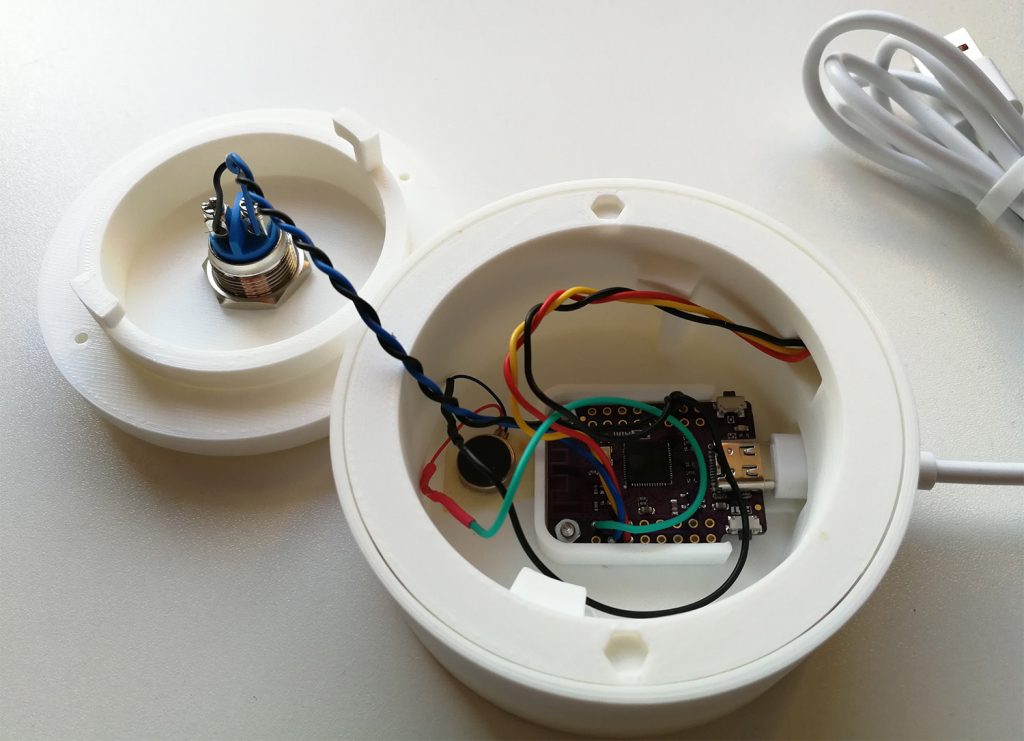
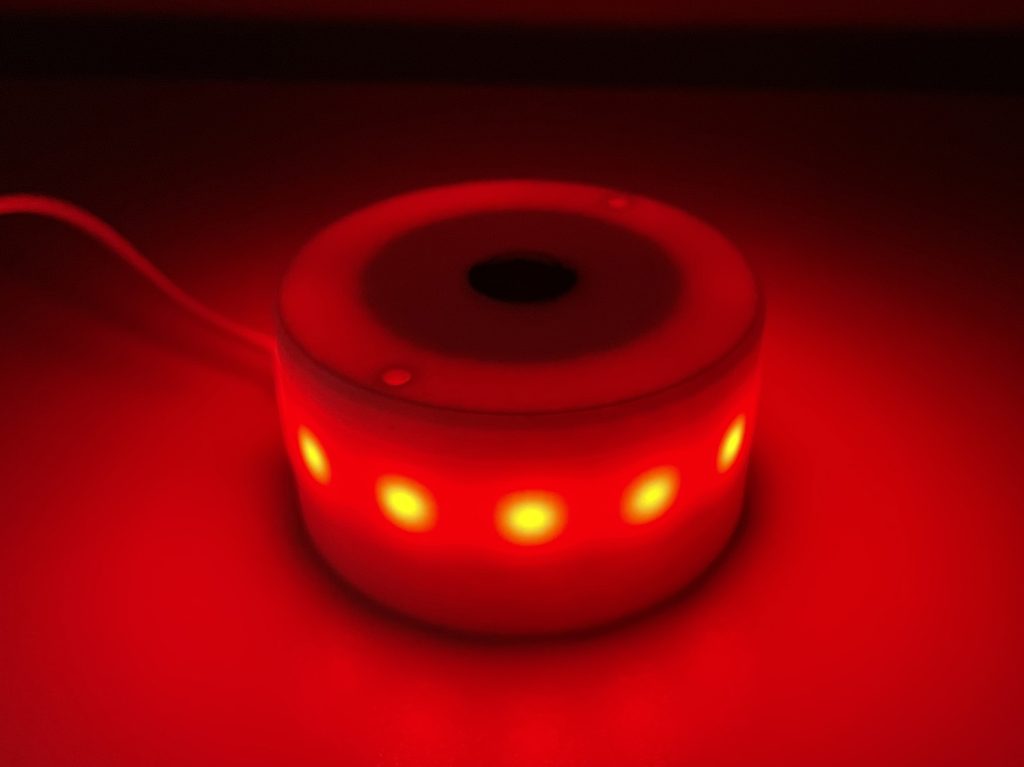
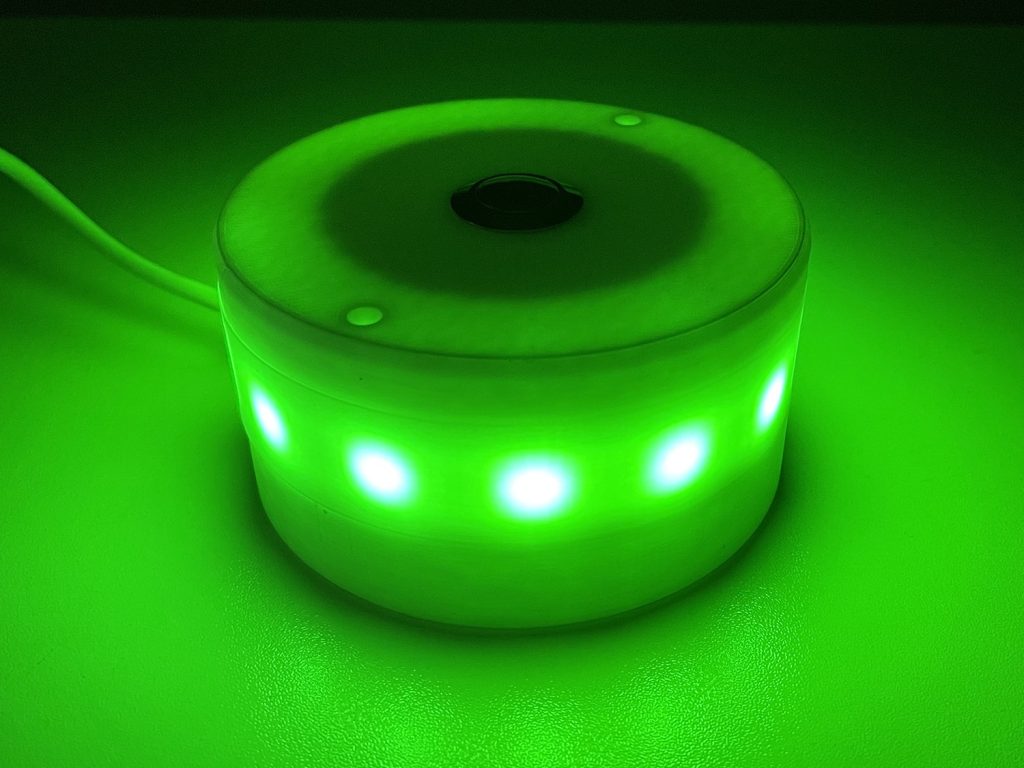
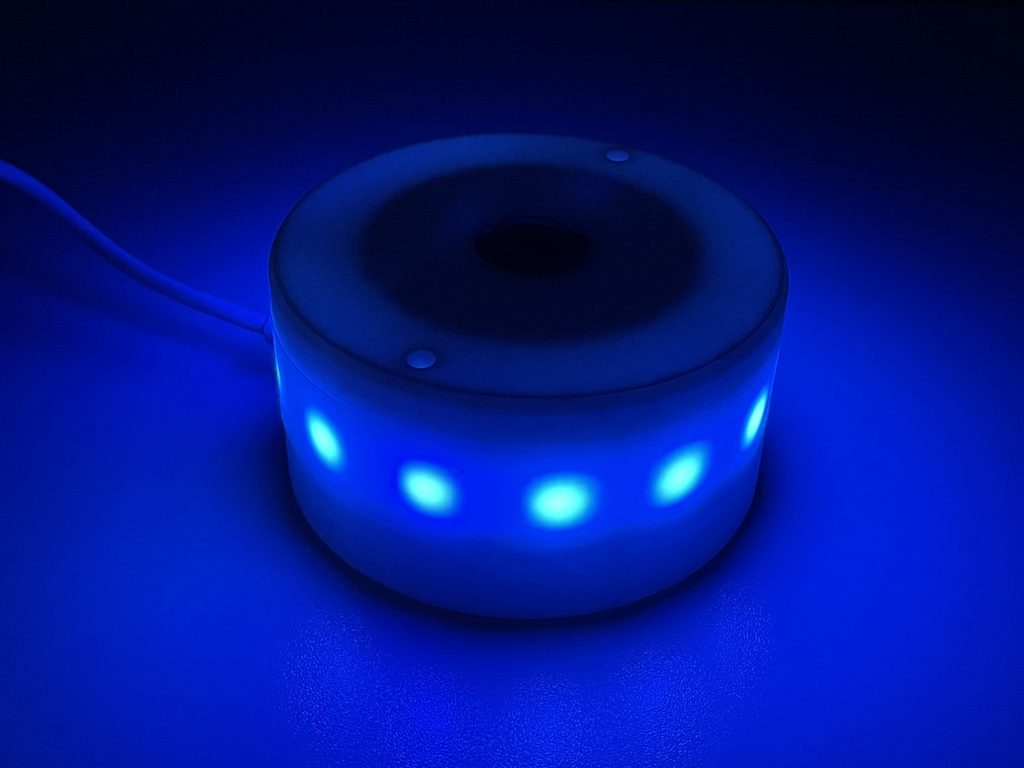
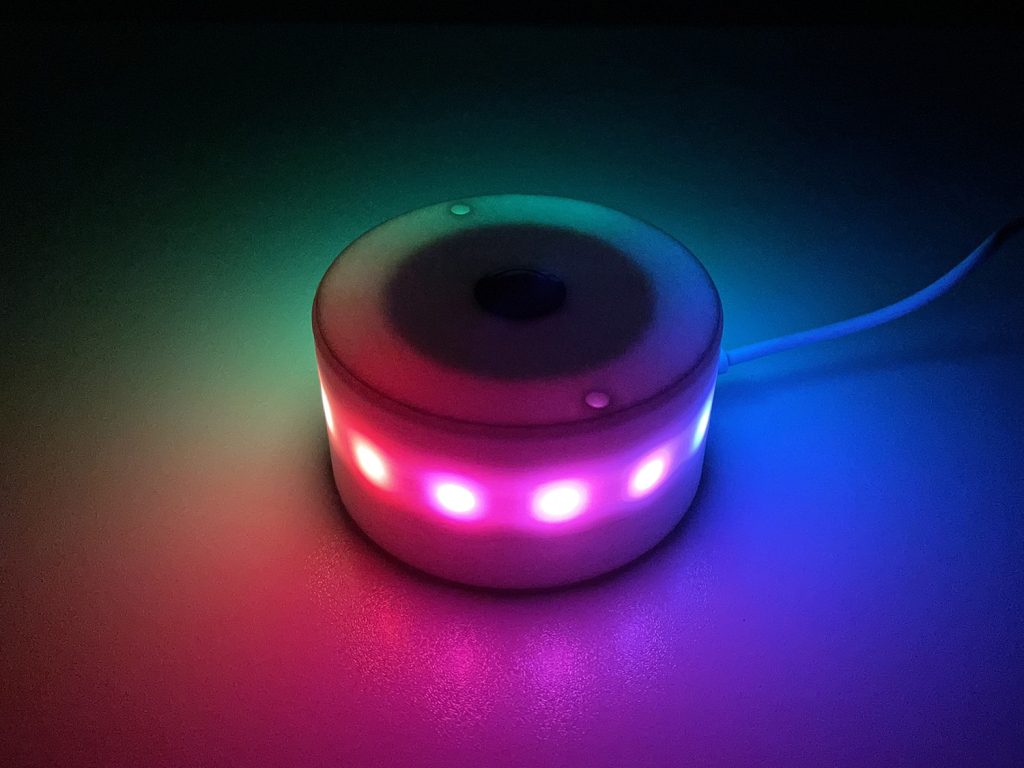
    Inspired by the “360 Degree LED Indicator with WeMos D1 Mini ESP8266” I created a Notifications Button based on the Lolin S2 Mini featuring only one button, a WS2812B LED strip and a vibration motor.

    The button can be programmed with Circuitpython. You can find the code on github.

  • 14. May 2023

    |

    Projects » Internet Radio

    ESP32 Internet Radio

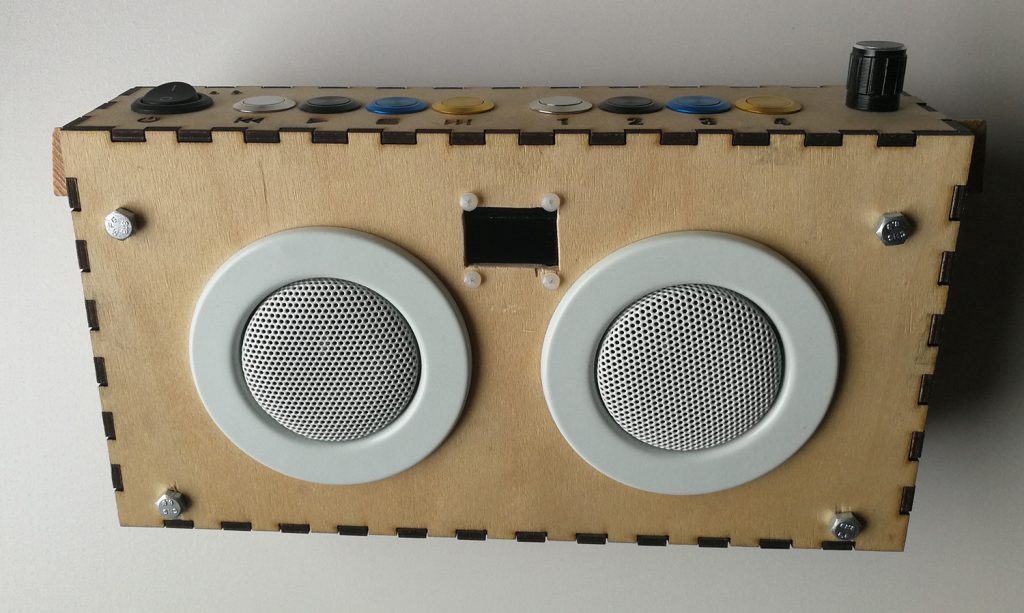
    My previous build of the internet radio was based on a battery hungry raspberry pi zero, so I decided to modify it a little bit and use a ESP32 instead.

    The idea is inspired by https://www.az-delivery.de/blogs/azdelivery-blog-fur-arduino-und-raspberry-pi/internet-radio-mit-dem-esp32 and https://www.az-delivery.de/blogs/azdelivery-blog-fur-arduino-und-raspberry-pi/internetradio-mit-esp32-und-max-98357a.

    I could have used a ESP32 with additional LiPo charger (e.g. Adafruit HUZZAH32 – ESP32 Feather) but had the PowerBoost and a regular ESP32 laying around so I used that.

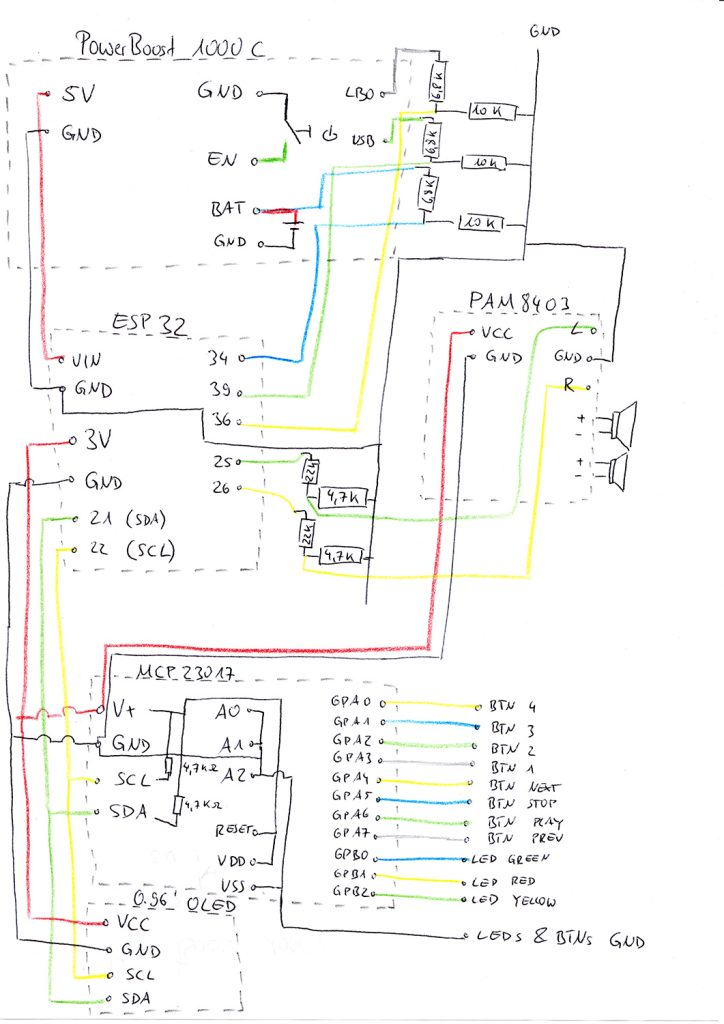
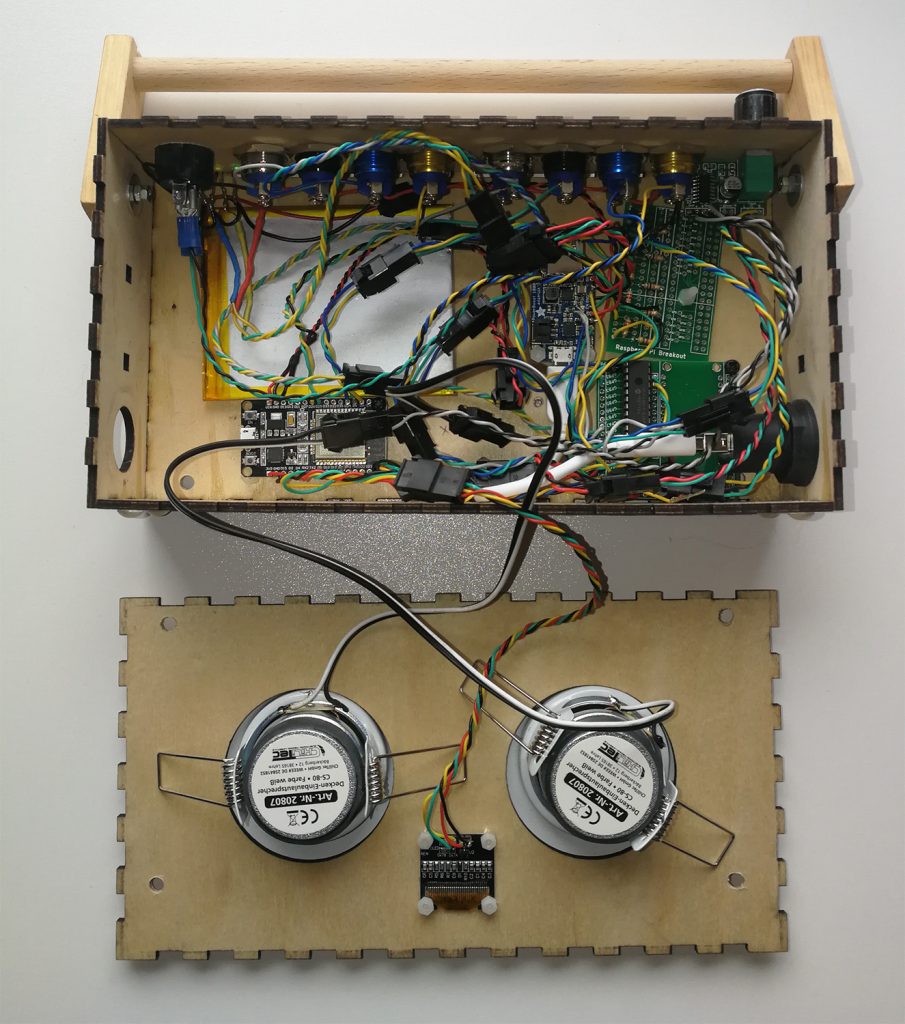
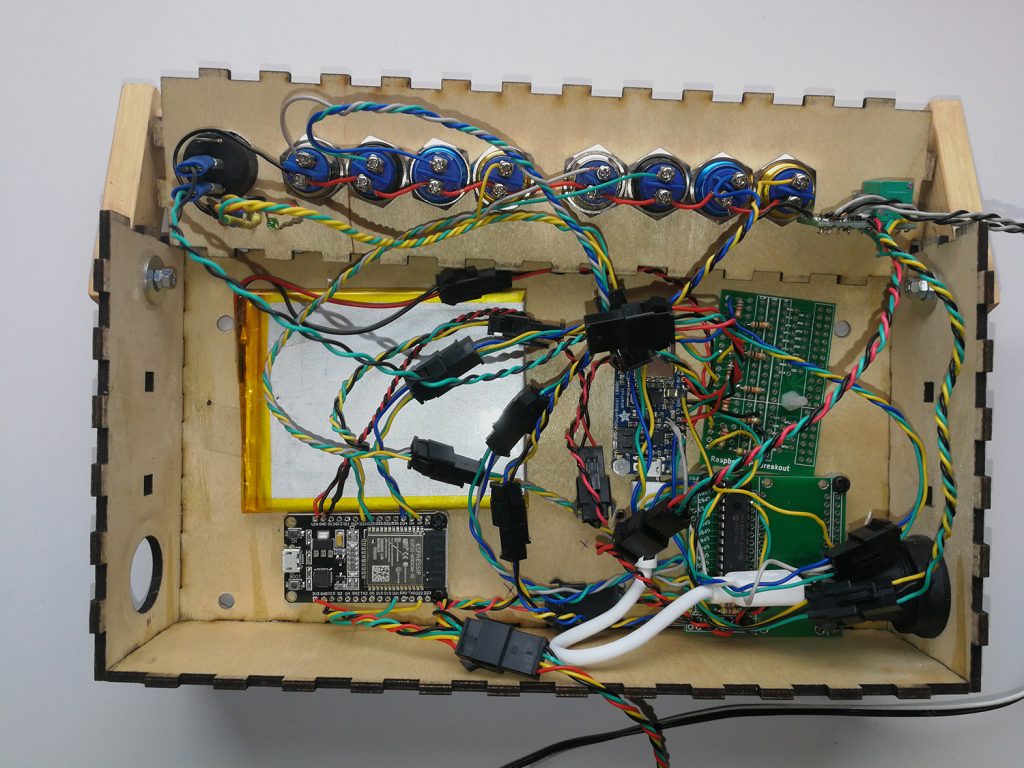
    For the buttons and leds a MCP23017 I/O Expander was used. The cabling is a little messy but it is working 😉

    To change the LEDs according to the battery state the LBO, BAT and USB Pins of the PowerBoost are connected to the ESP32. The PowerBoost can supply up to 5.2 V so a voltage divider is neccessary to not kill the ESP32 Pins.

    Additionally the DAC Pins of the ESP32 are connected through a voltage divider to the PAM8403 amplifier.

  • 19. February 2023

    |

    Projects » Web Applications

    Life-Tracking Enhancements

    I always try to improve my web application to track different parts of my life. In the meantime the following features are currently available:

    General

    • 2-Factor Authentication
    • Application passwords for API calls
    • individual mobile favorites
    • Progressive Web App with Push Notifications and offline support
    • email notifications

    Frontpage

    • Frontpage with widgets for different modules
    • Possibility to individualize the frontpage with selected modules

    Location History

    • Manual add locations
    • Automatic locations with API
    • Store location information on finance entries, car refuel entries
    • Possibility to show clusters and filter by date
    • Store and show steps

    Finances

    • Store income/expenses
    • Create categories
    • Automatically assign categories to new finance entries by name/value
    • Automatically create recurring finance entries
    • Manage paymethods
    • Manage monthly finance budget
    • Various statistics (including monthly report)
    • Manage finance accounts and map paymethods to accounts
    • Automatically create transactions on accounts based on paymethods

    Cars

    • Manage refuel and service
    • Calculate fuel consumption
    • Manage service life and km/year

    Boards

    • Kanban like boards with stacks and cards, labels,..

    Crawlers

    • Automatically create lists by API calls
    • Individual column profiles per crawler
    • Filter and search datasets
    • Star entries

    Splitted Bills

    • Manage finances in groups
    • Support for foreign currencies
    • Support to make settle up entries
    • Automatically create recurring splitted bills

    Trips

    • Manage trip planning
    • Add events, driving, bookings,..
    • Route planing

    Timesheets

    • Manage projectspecific start/end times
    • Differentiate between project- and day-based times
    • Fast creation of times
    • Assign timesheets to categories
    • Assign a budget to categories
    • Export to Excel/Word
    • Support for client side encrypted notices with individual fields

    Workouts

    • Manage exercises
    • Manage workouts planing
    • Create training sessions
    • Various statistics

    Recipes

    • Manage recipes with ingredients
    • Add recipes to cookbooks
    • Manage mealplans
    • Create shoppinglists and add items to shoppinglist
1 2 3 … 12
Next Page»